
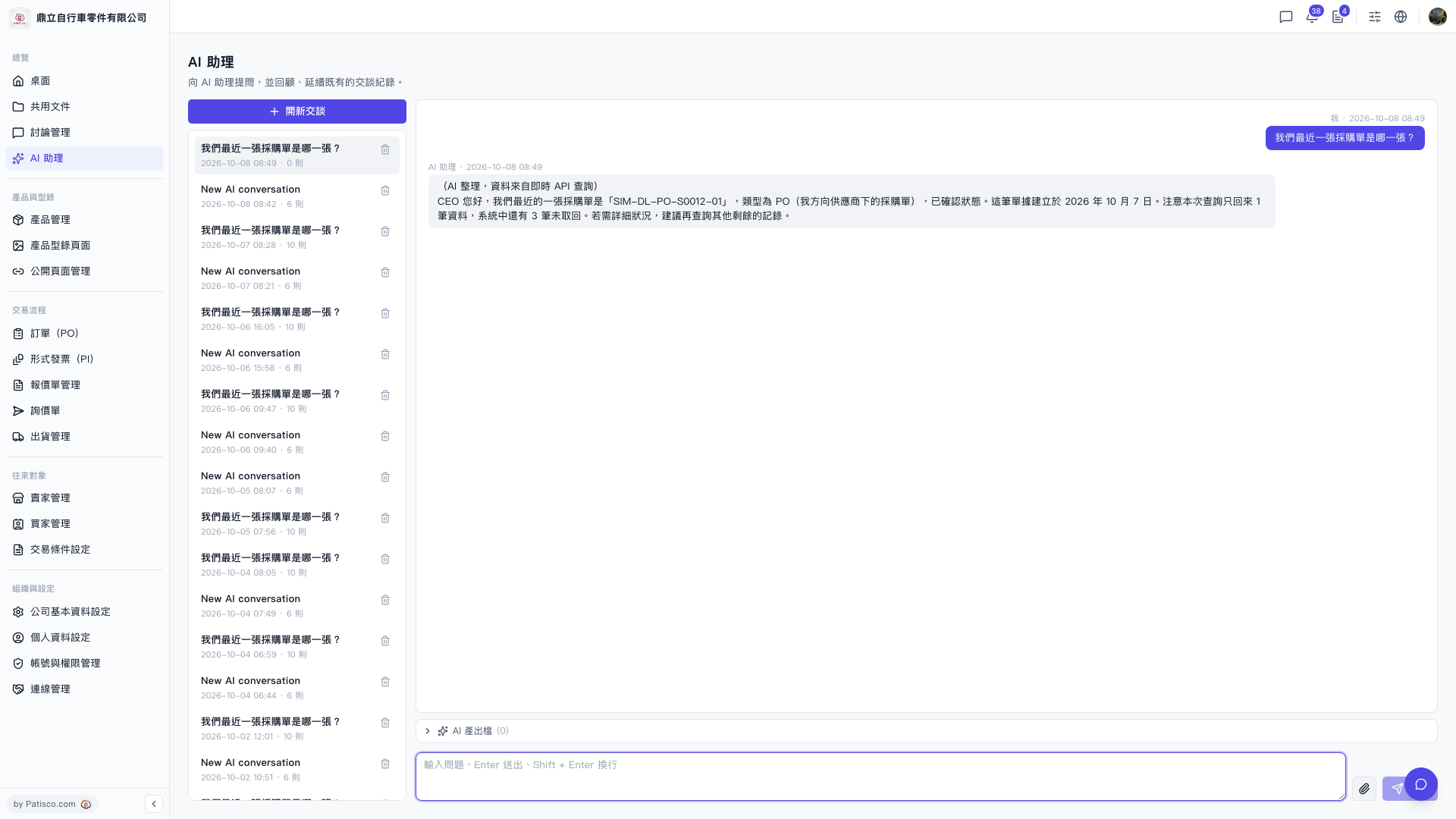
1. To continue a previous conversation, simply click on the corresponding conversation record in the list on the left side to switch to it. 2. To delete unwanted historical conversations, click the "Trash" icon on the right side of that conversation record. 3. To view related files generated by AI in this conversation, click "AI-generated Files (0)" in the toolbar below the conversation area to expand and browse the list. 4. To upload attachments in a conversation, click the "Attachment (Paperclip icon)" in the bottom left corner of the input box to upload files.
 V5 新桌面版|AI 助理