
1. Go to https://v5.patisco.com/ai-assist in your browser, or open the "AI assistant" page from the menu. 2. After the page loads, directly enter your question in the "Message Input Box" at the bottom of the screen. 3. Press Enter to send your question. If you need to enter multiple lines of content, press Shift + Enter.
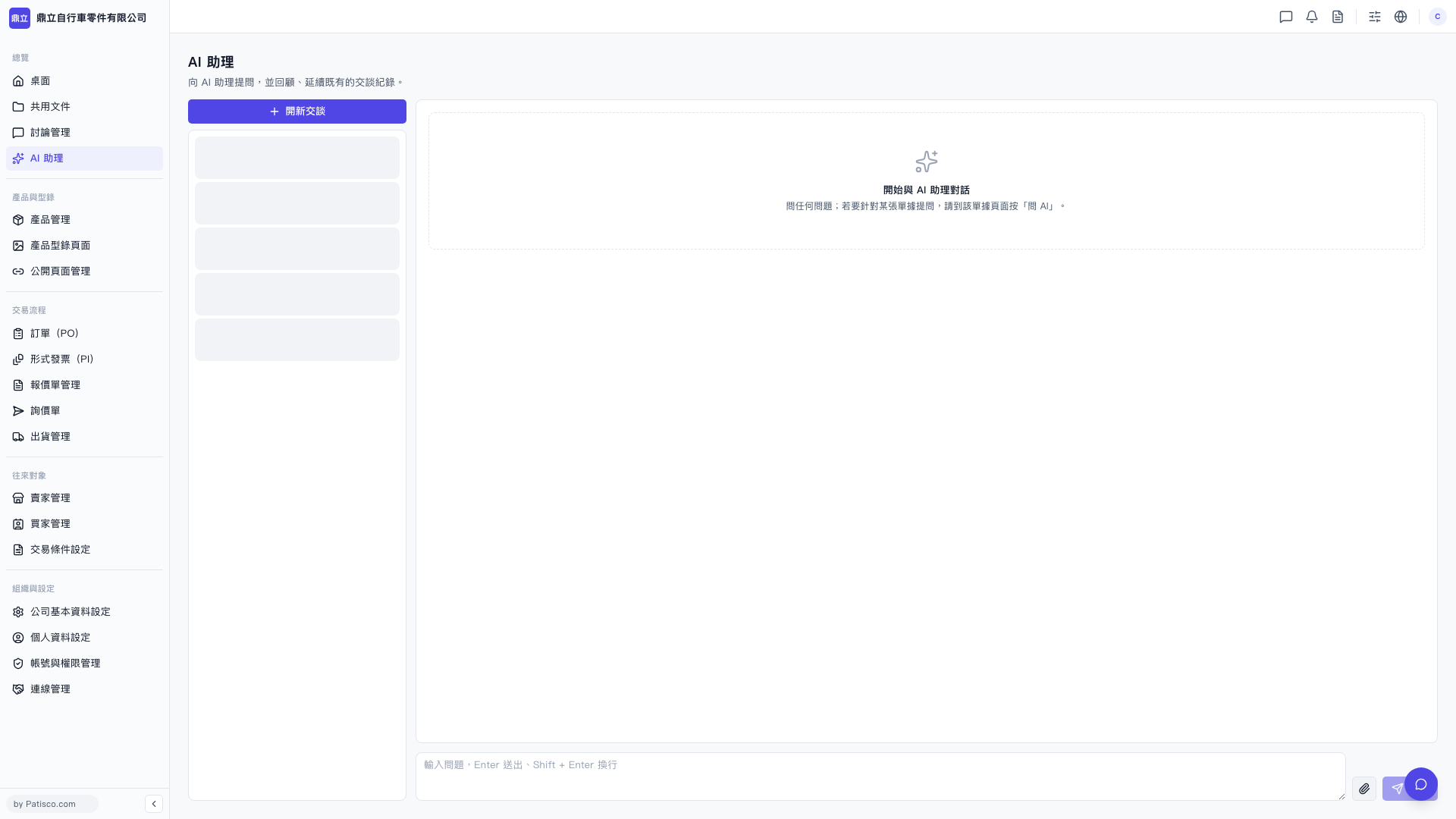 V5 新桌面版|AI 助理