1. 在買家明細頁往下滑,點選「聯絡人(Email / LINE)」。 2. 找到要查看的聯絡人及往來串。本次操作中,「Velostrada Purchasing」底下顯示 1 串。 3. 點選「案驗收 · Velostrada 來信」,開啟該筆 Email 往來內容。
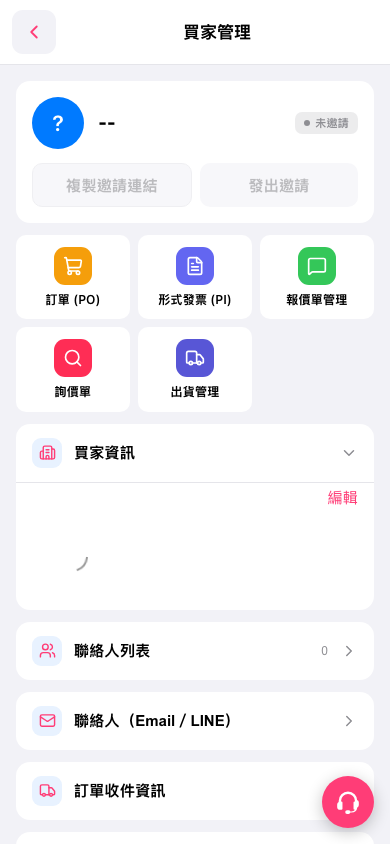 手機版|買家管理

1. 在買家明細頁往下滑,點選「聯絡人(Email / LINE)」。 2. 找到要查看的聯絡人及往來串。本次操作中,「Velostrada Purchasing」底下顯示 1 串。 3. 點選「案驗收 · Velostrada 來信」,開啟該筆 Email 往來內容。
手機版|買家管理