
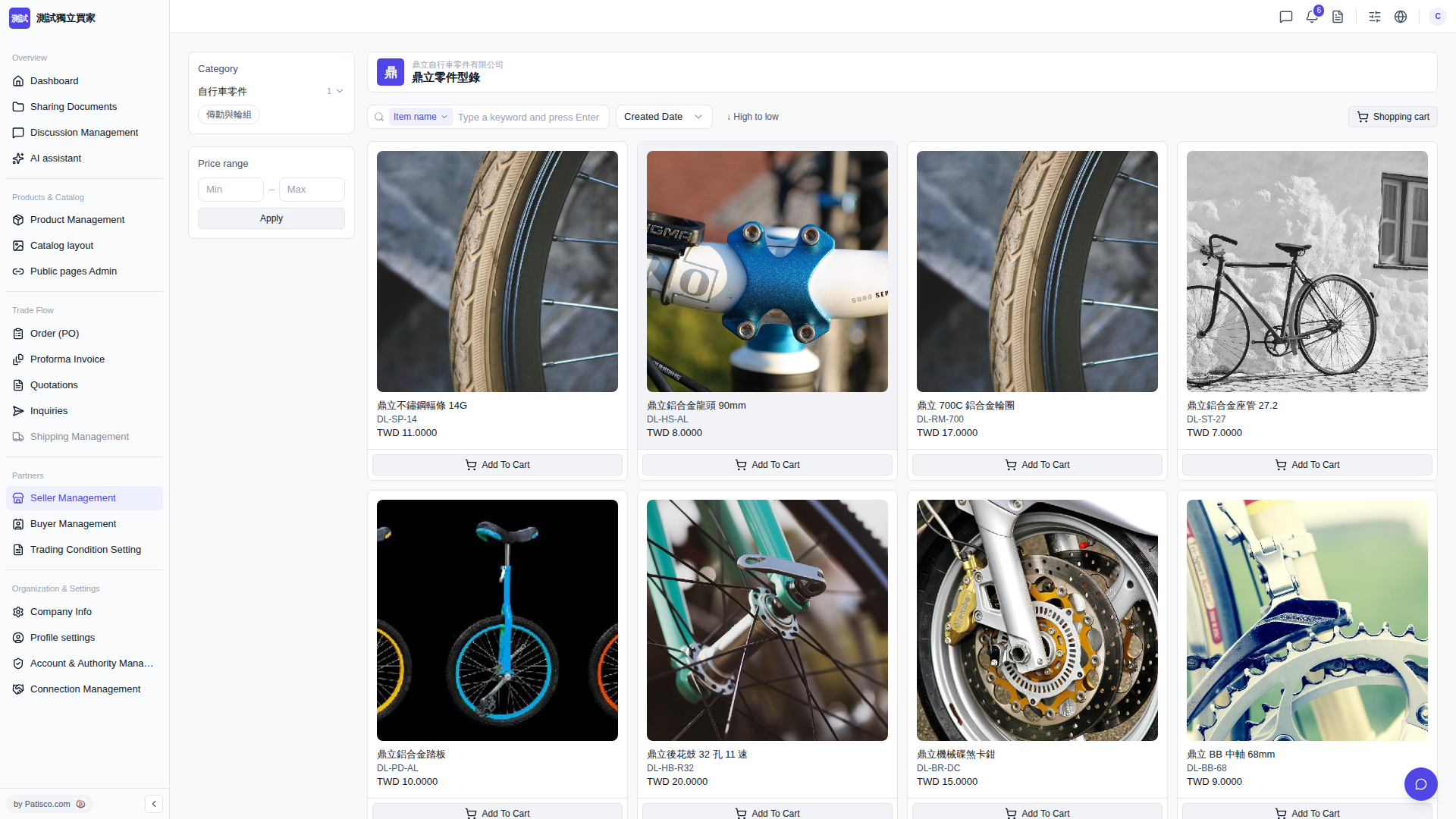
1. After entering the catalog page, click a subcategory in the "Category" section on the left (for example, "Drive and Wheel Set") to display only products in that category. 2. To filter by price, enter the lower and upper price limits in the "Min" and "Max" fields in the "Price range" section on the left, then click "Apply" to apply the filter. 3. Both filters can be used simultaneously, and the page will automatically update the list of products that meet the conditions.
 V5 新桌面版|鼎立零件型錄