
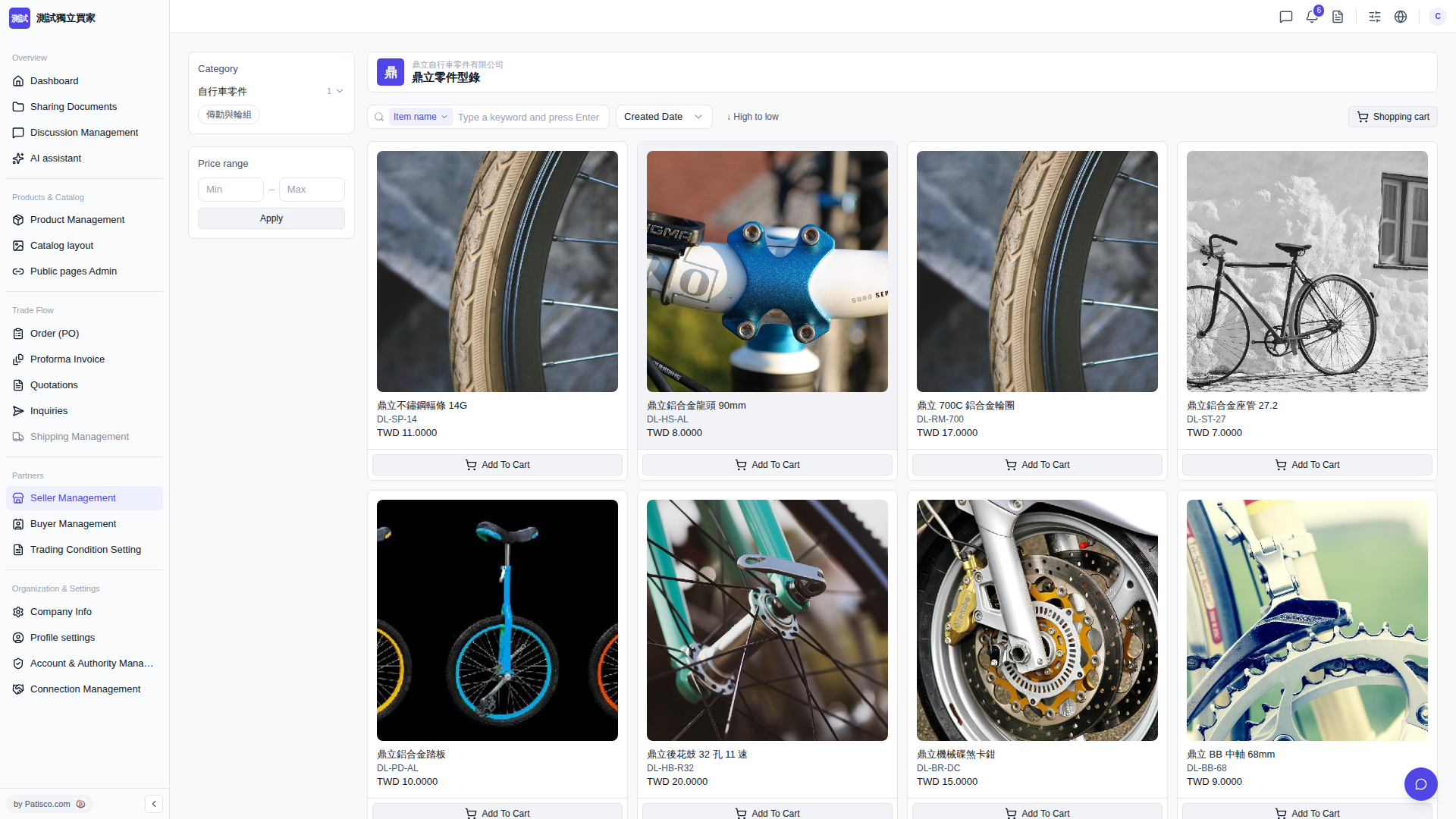
1. Browse product cards and find the item you want to purchase (for example, "Ding Li Stainless Steel Spoke 14G DL-SP-14"). 2. Click "Add To Cart" at the bottom of the product card to add the product to your shopping cart. 3. After selecting products, click "Shopping cart" in the top right to open the shopping cart, confirm items and quantities, and then submit your order. 4. If you want to organize the order first, you can use the dropdown menu next to the search bar ("Created Date" or "High to low") to adjust the product listing, then select items to purchase one by one.
 V5 新桌面版|鼎立零件型錄