
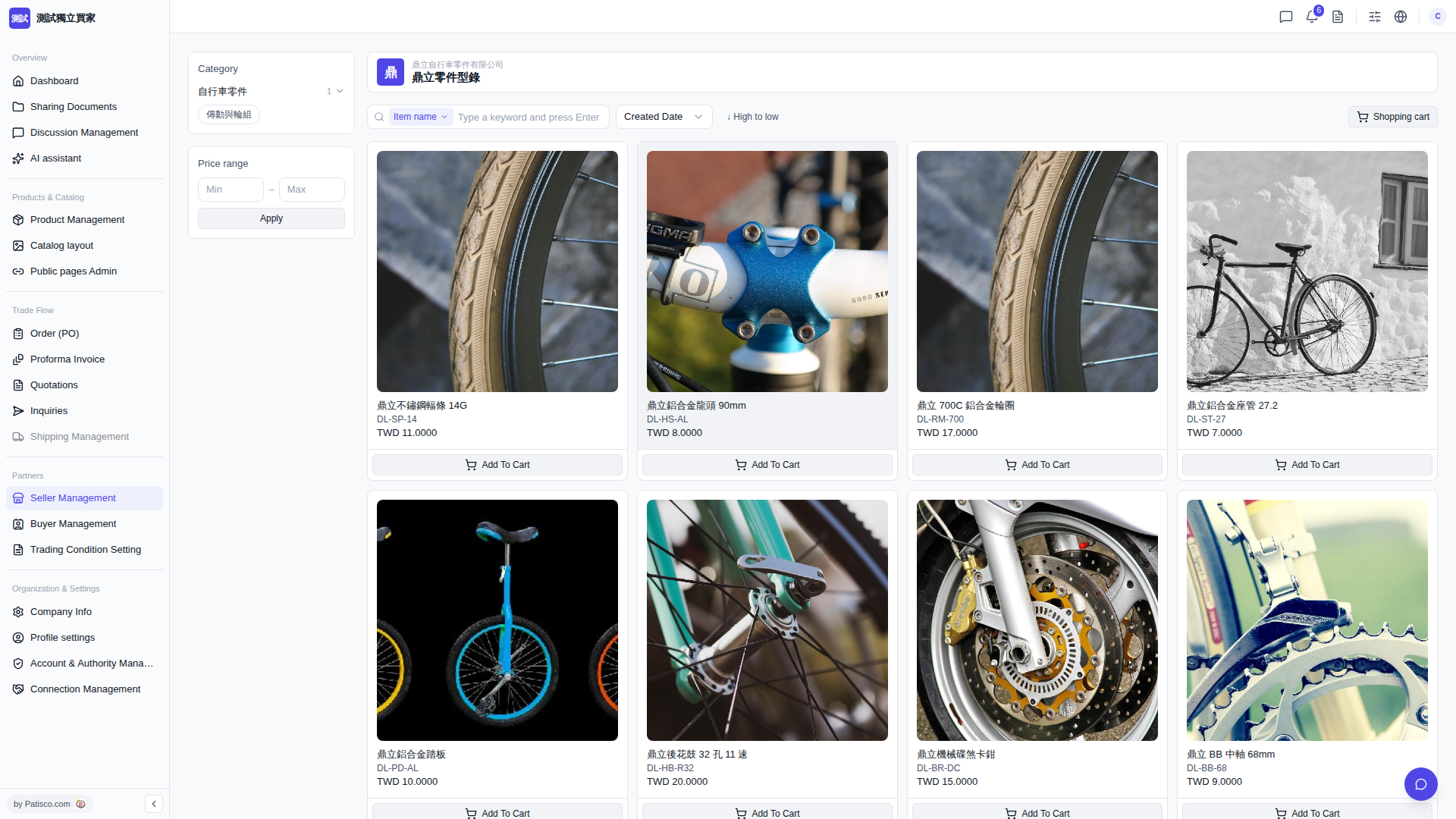
1. After entering the catalog page, click on a main category (e.g., "Bicycle Parts") or subcategory (e.g., "Drivetrain and Wheels") in the left "Category" section. The page will automatically update to show products in that category. 2. To filter by price, enter the "Min" and "Max" amounts in the left "Price range" field, then click "Apply" to apply the filter. 3. You can also enter a keyword in the "Item name" search box at the top and press Enter to quickly find a specific product.
 V5 新桌面版|鼎立零件型錄