
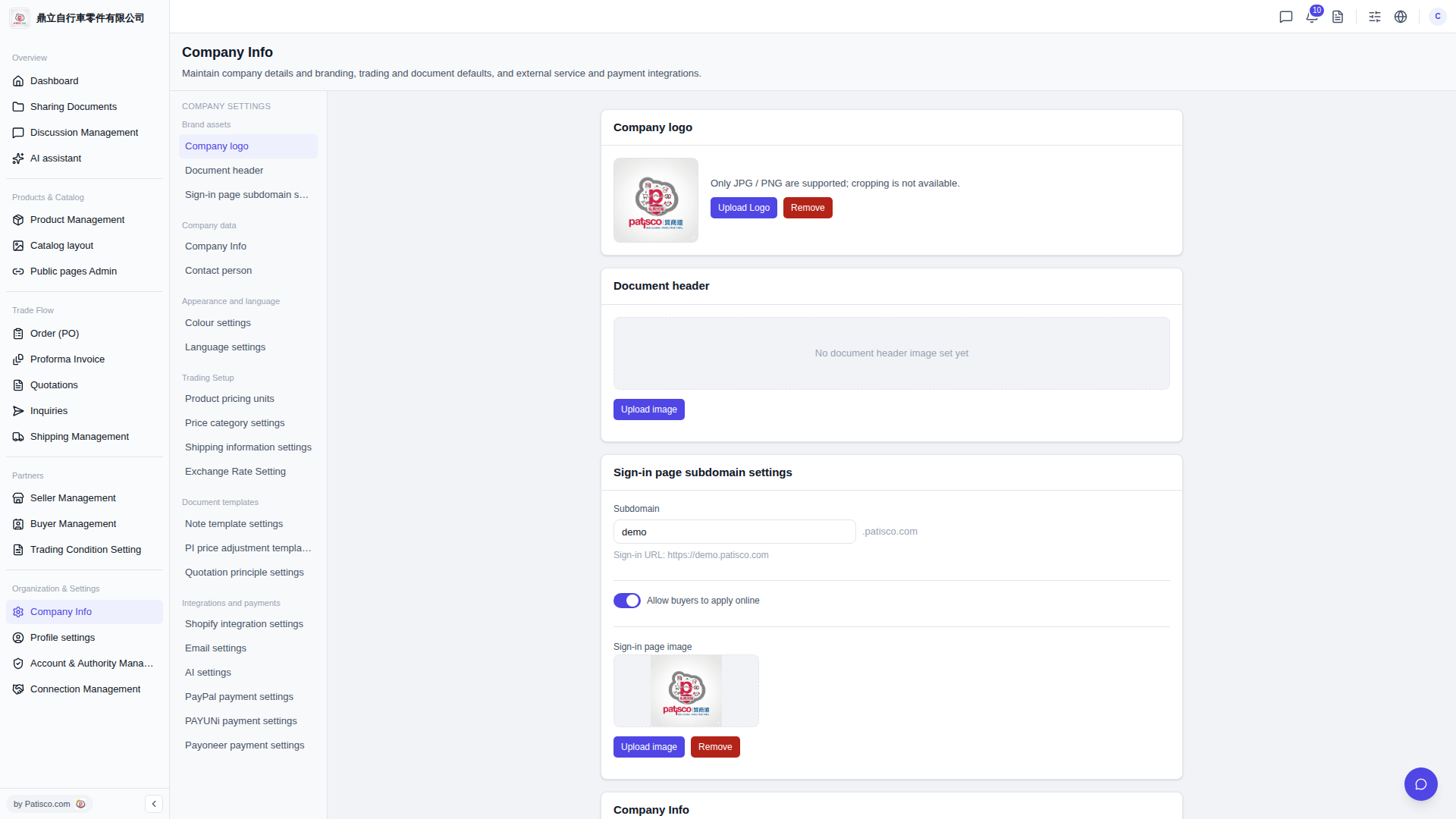
1. Go to the "Company Basic Information" page (URL: v5.patisco.com/company-basic). 2. Find the "AI settings" section and confirm that "Enabled" is turned on. 3. Under "AI provider", select the service you want to use. Currently you can choose "ChatGPT" or "Claude". 4. In the "Model" dropdown menu, select a model such as "GPT-4o" or "GPT-4o Mini". 5. Enter your API Key in the "API Key" field. 6. Click the "Update settings" button to save. Note: the provider and model must be submitted together; clicking the button will apply the changes.
You can ask the AI: "I want to switch to GPT-4o Mini, what are the steps?" The AI will respond: "Please select GPT-4o Mini in the Model field under AI settings, fill in the API Key, and click Update settings to apply it."
 V5 新桌面版|ai.config