
1. Click "Add To Cart" at the bottom of the product card to add the product to your shopping cart. 2. You can repeat the above action to add other products. 3. After adding all products, click "Shopping cart" in the top right corner to confirm the products in your cart, then proceed to checkout and place your order.
For sorting, you can click "Created Date" to sort by creation date, or click "High to low" to sort by price from highest to lowest, making it easier to find suitable products.
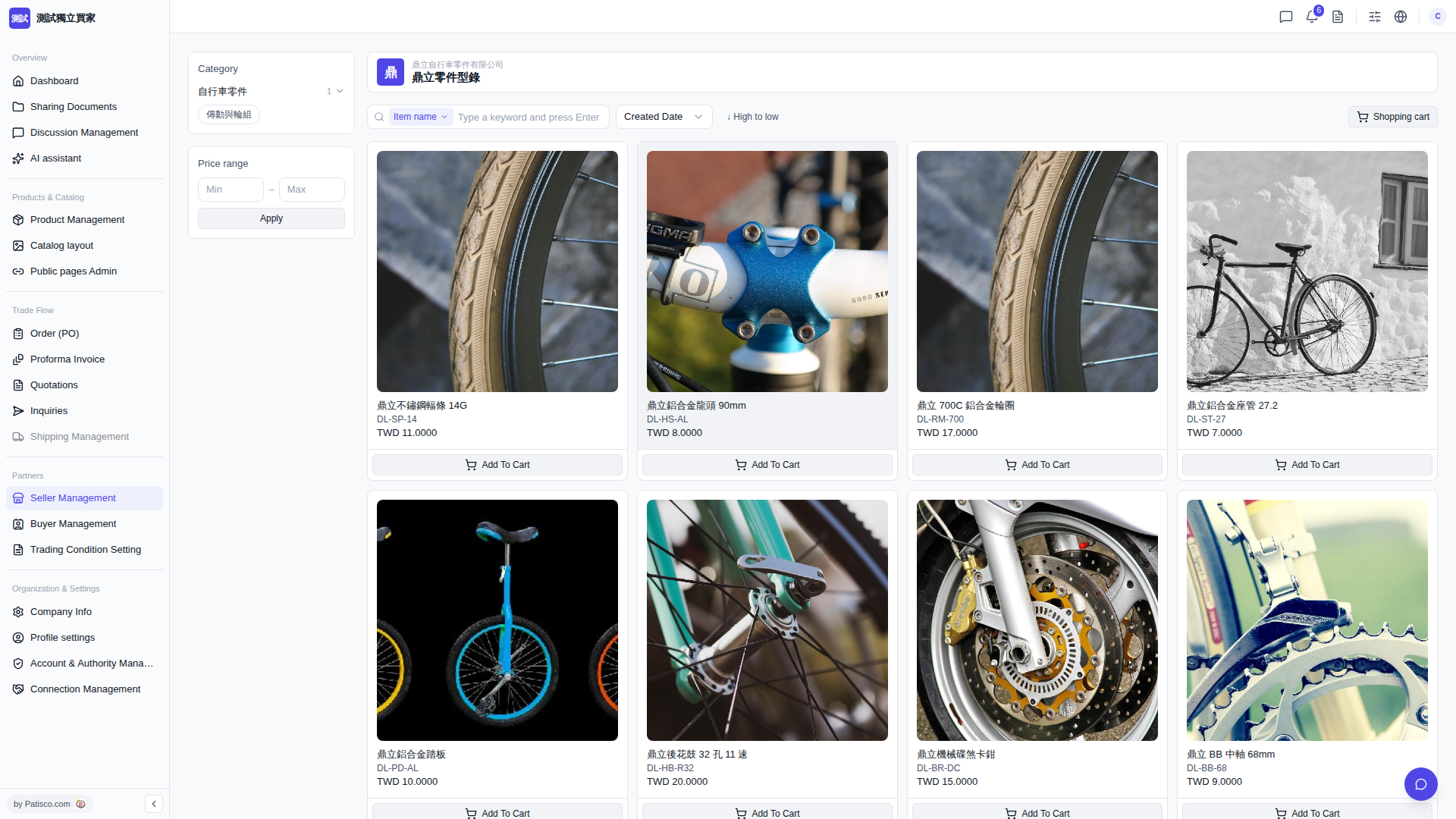 V5 新桌面版|鼎立零件型錄