
1. If you need to attach a file to assist with your query, click the attachment icon (paperclip icon) on the left side of the input box and select the file to upload. 2. If you need to take a photo or upload an image, click the camera icon (the second icon from the left) on the left side of the input box, then take a photo or select an image from your gallery. 3. After uploading, type your question in the input box and click the pink send button to submit. 4. If you want to start a new conversation, click the refresh icon (↺) in the top right corner of the screen to reset the current conversation. 5. To leave this page, click the back arrow (<) in the top left to return to the previous page or conversation list.
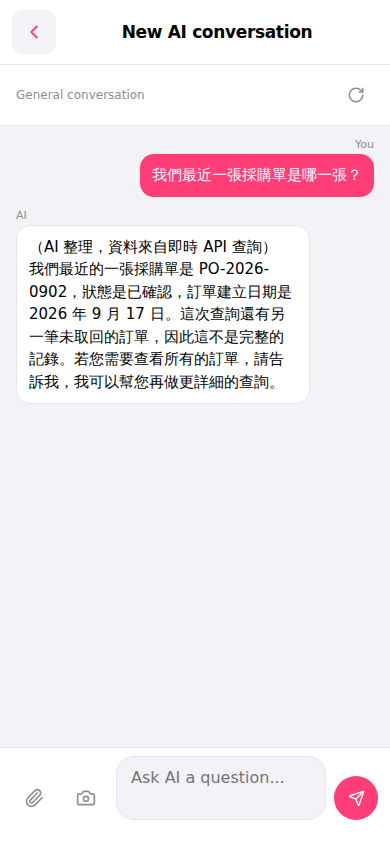 手機版|New AI conversation(AI 對話)