
1. The tab bar at the top of the page has two options: "Analytics" (older version) and "Analytics v1.0" (currently selected). Click the corresponding tab name to switch. 2. To adjust Dashboard display settings, click the "⚙️" gear icon on the far right of the tab bar to open settings or personalization options. 3. If you need customer service assistance, click the "🎧" floating button in the bottom right corner to open the customer service window.
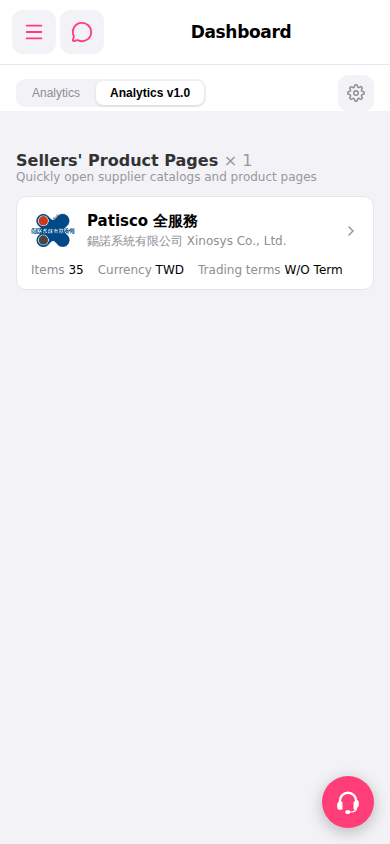 手機版|Dashboard