
1. After entering the Purchasing Order page, it defaults to the "Sent Doc." tab (sent orders). 2. Click the "Received Doc." tab label at the top right of the page to switch to your list of received purchase documents. 3. If you want to search for a specific order, click the magnifying glass icon on the right side of the top navigation bar and enter a keyword. If you want to filter by date or status, click the filter icon and set the conditions. 4. If you have questions about operations, click the pink "Customer Service" button in the bottom right corner to contact support.
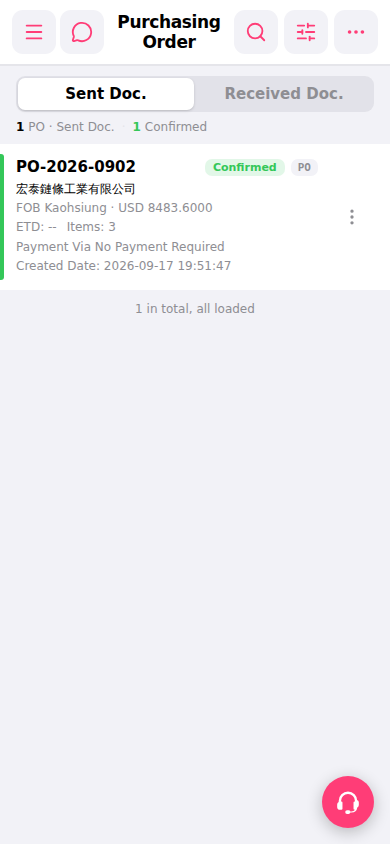 手機版|Purchasing Order(採購訂單)