
1. Open Patisco on mobile and go to the "Quotations" page. 2. Click the "Received Doc." tab on the top right to switch to the received quotations list. 3. If the list is long, you can click the "🔍" in the top right to search by keyword, or click "⚙" to set filter conditions (such as status, currency, expiration date, etc.) and apply them to quickly find the target quotation.
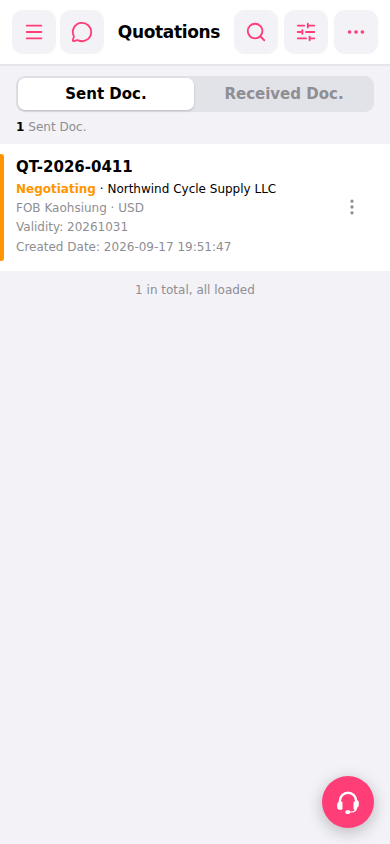 手機版|報價單管理(Quotations)