
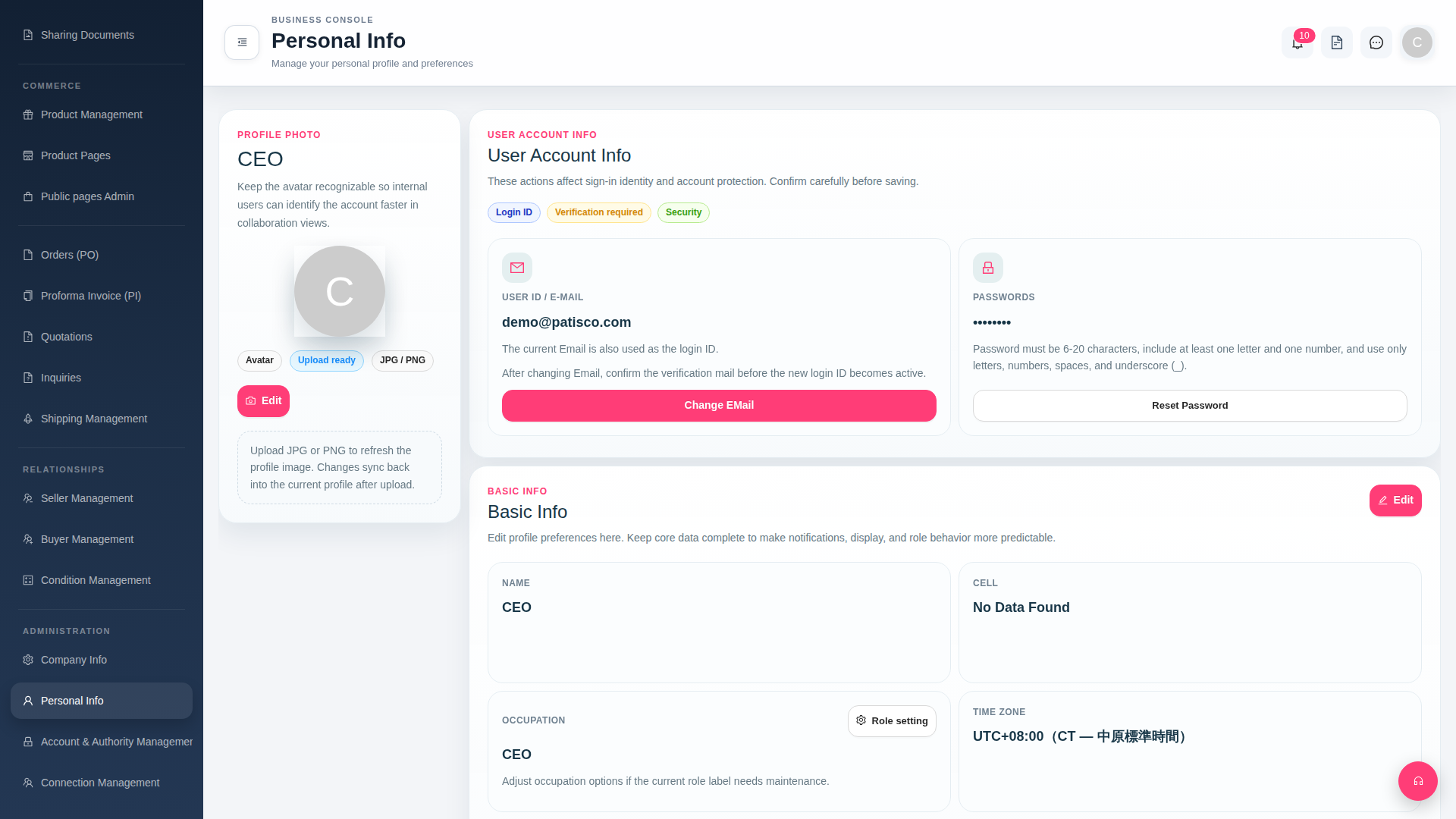
1. Click ADMINISTRATION in the left sidebar and select Personal Info to enter the "Personal Info" page. 2. Click the "Upload ready" button next to your profile picture and select a JPG or PNG format image to upload. 3. After uploading is complete, click the "Edit" button below your profile picture to confirm and save.
 G4 桌面版|Personal Info