
【Search for a Single Order】 1. Enter the order number in the search bar at the top of the page, or use filter conditions such as "Buyer/Seller Listing", "Seller E-Mail", "Seller Country" to narrow the range. 2. Click the magnifying glass button to execute the search. 3. Once search results appear, click directly on the order number link (such as PO-2026-0902) to enter that order's detail page to view or edit it.
【Batch Operations on Multiple Orders】 1. Check the checkboxes for the orders you want to operate on (you can select multiple). 2. Then click the corresponding button in the toolbar, such as "Confirm", "Cancel", "Delete", "Batch Archive", etc., to perform that action on all checked orders at once.
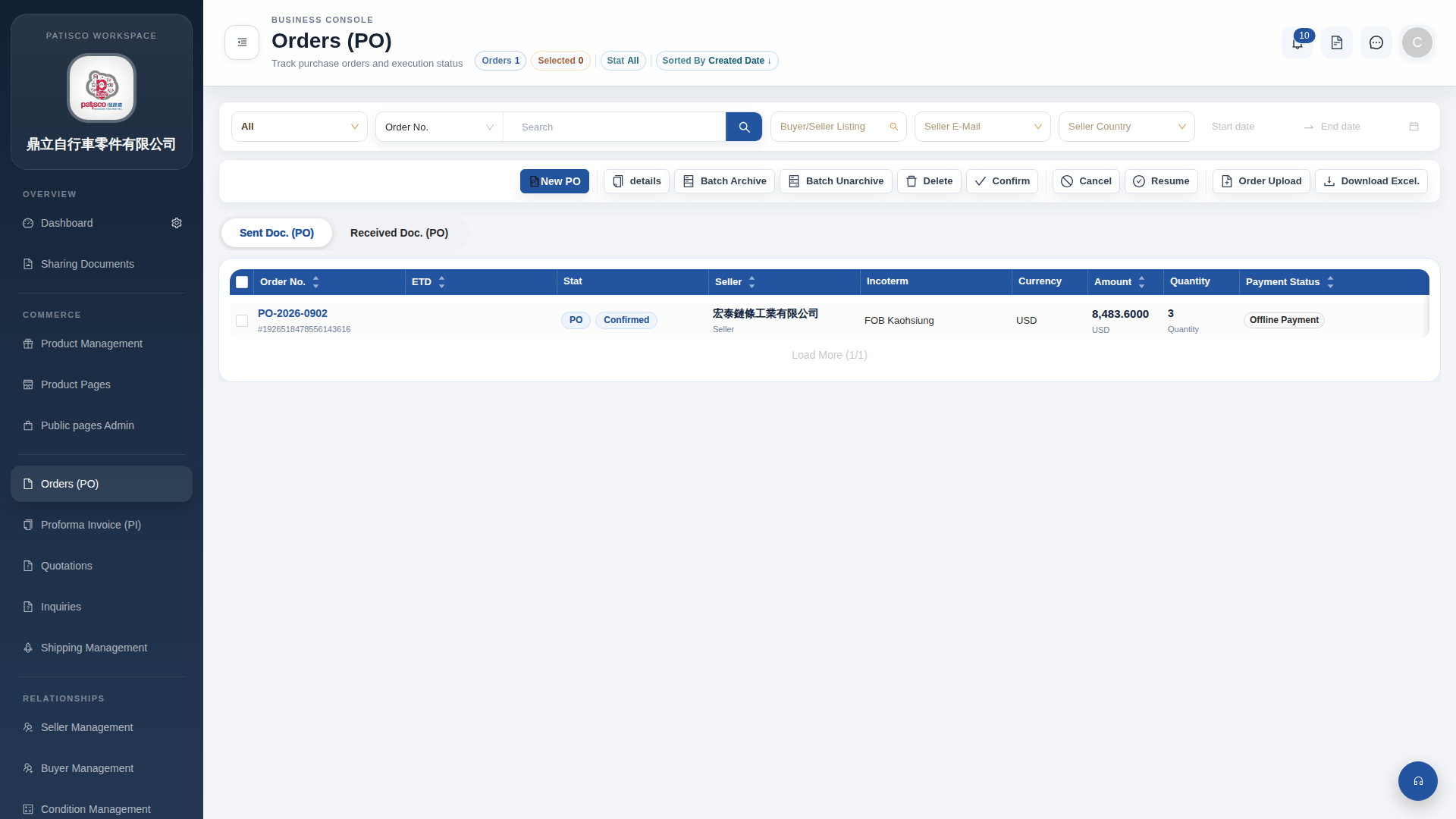 G4 桌面版|訂單管理 (Orders PO)