
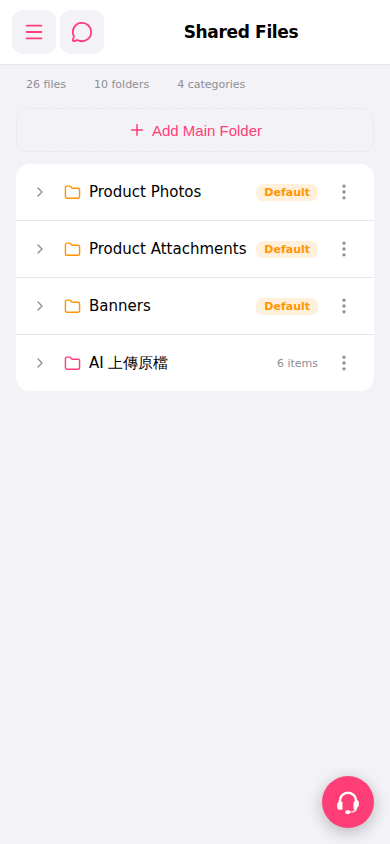
1. Go to the "Shared Files" page and locate the target folder. 2. Click the ">" arrow on the left side of the folder row to expand it and view the subfolders or files inside, along with the item count for each. 3. To perform further operations on the folder (such as renaming, deleting, or managing), click the "⋮" icon on the right side of the row to open the action menu and select the desired function. ※ Folders marked as "Default" are system-defined. Custom folders (such as "AI Upload Original Files") can be managed by the user.
 手機版|共享文件管理(Shared Files)