
1. Click "ADMINISTRATION" → "Personal Info" in the left sidebar to access the personal information page. 2. To change your login email: In the "User Account Info" section, find the Email field and click the "Change EMail" button below it. Follow the on-screen instructions to enter a new email address, then check your new mailbox for the verification email and complete the confirmation. 3. To reset your password: In the same section, find the password field and click the "Reset Password" button on its right. Follow the system instructions to complete the reset (password must be 6–20 characters and contain at least one letter and one number).
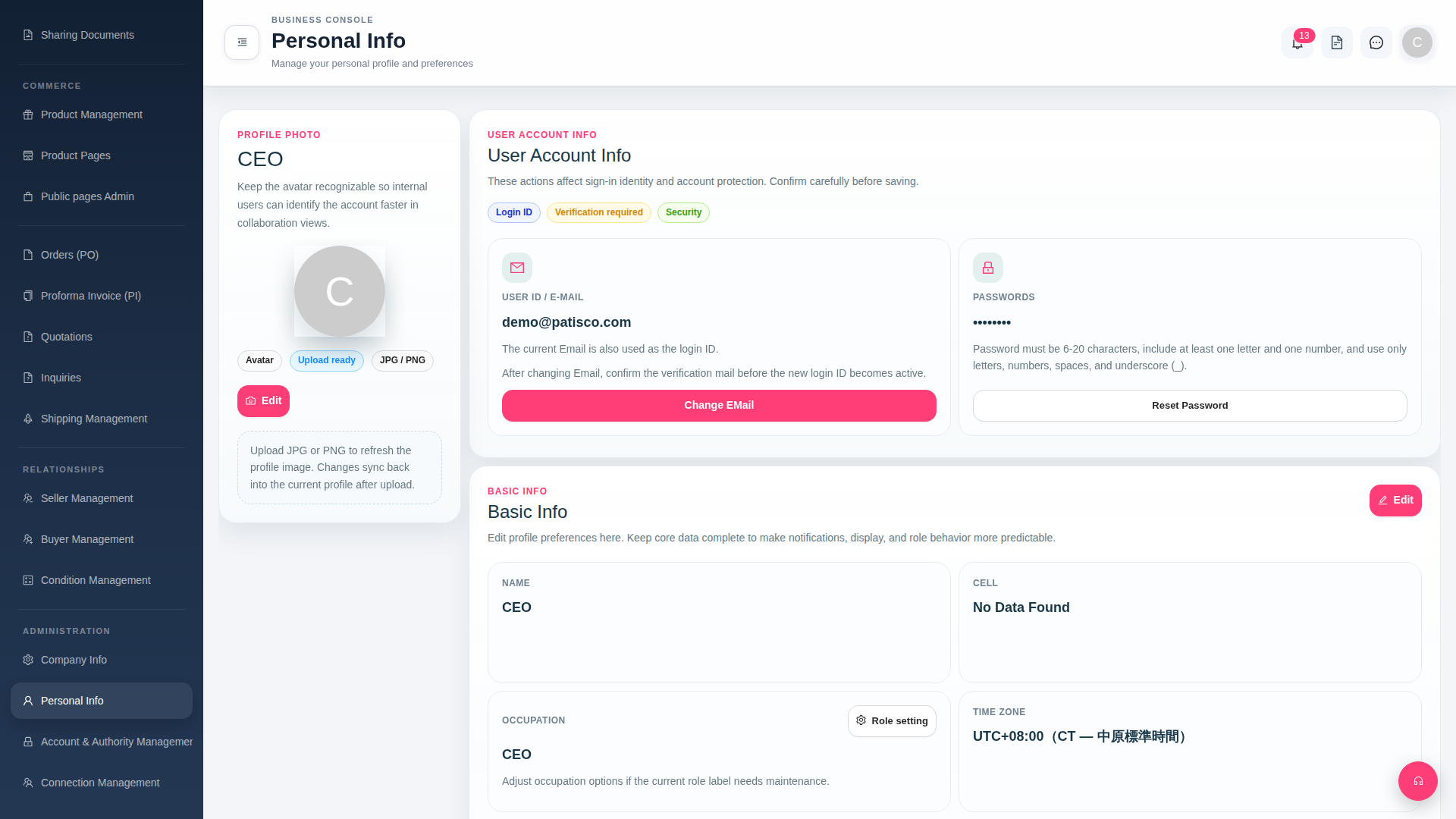 G4 桌面版|Personal Info