
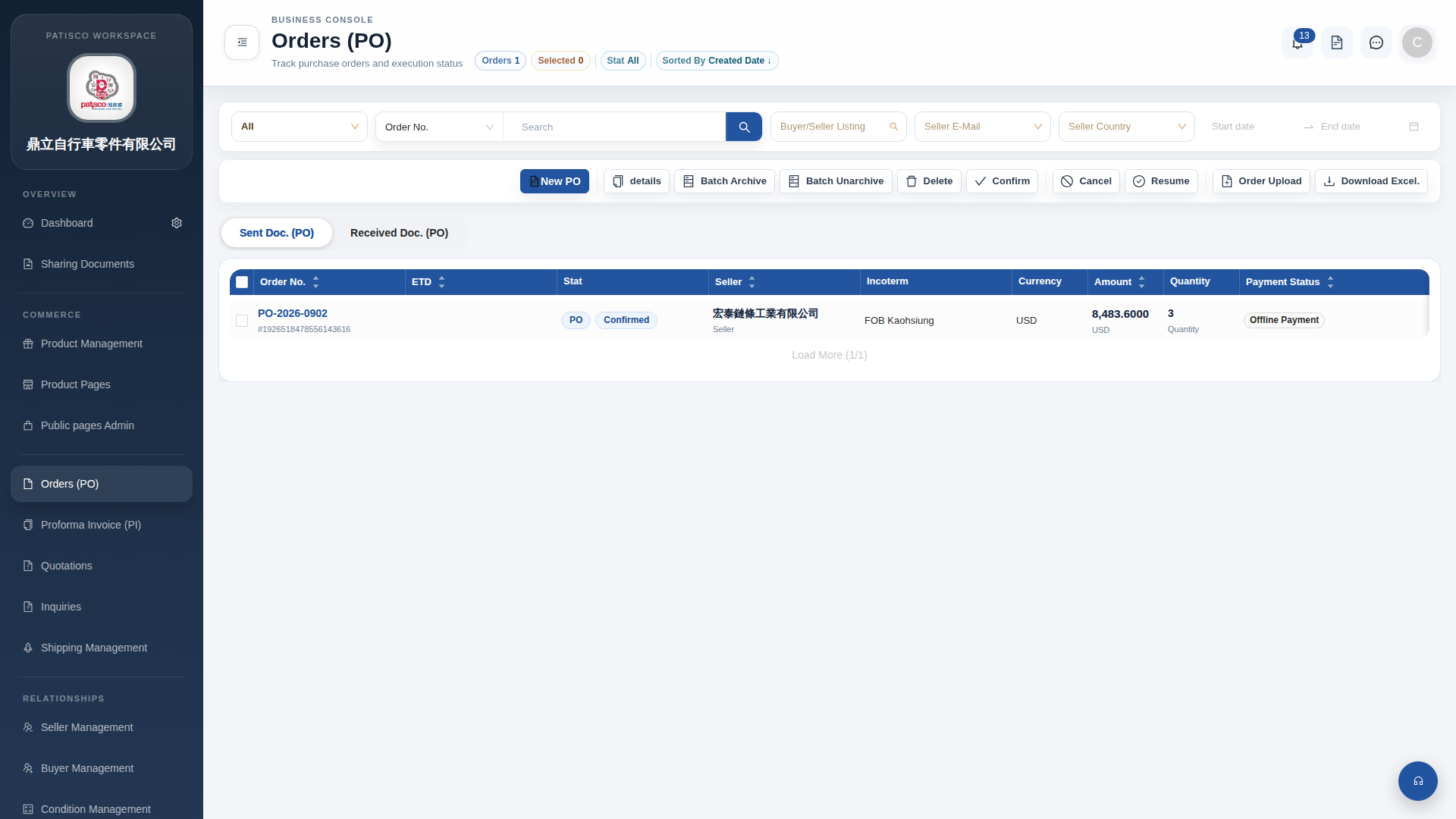
1. Click "Orders (PO)" in the left sidebar to access the PO list page. 2. The toolbar above the list provides the following main operations: - Click "New PO" to create a new PO. - Click the order number (e.g., PO-2026-0902) to enter the detailed page for that order. - Click "details" to view detailed information about the selected order. - Click "Download Excel." to export the order list as an Excel file. 3. There are also "Sent Doc. (PO)" and "Received Doc. (PO)" tabs above the list to switch between viewing sent or received PO documents.
 G4 桌面版|訂單管理 (Orders PO)