
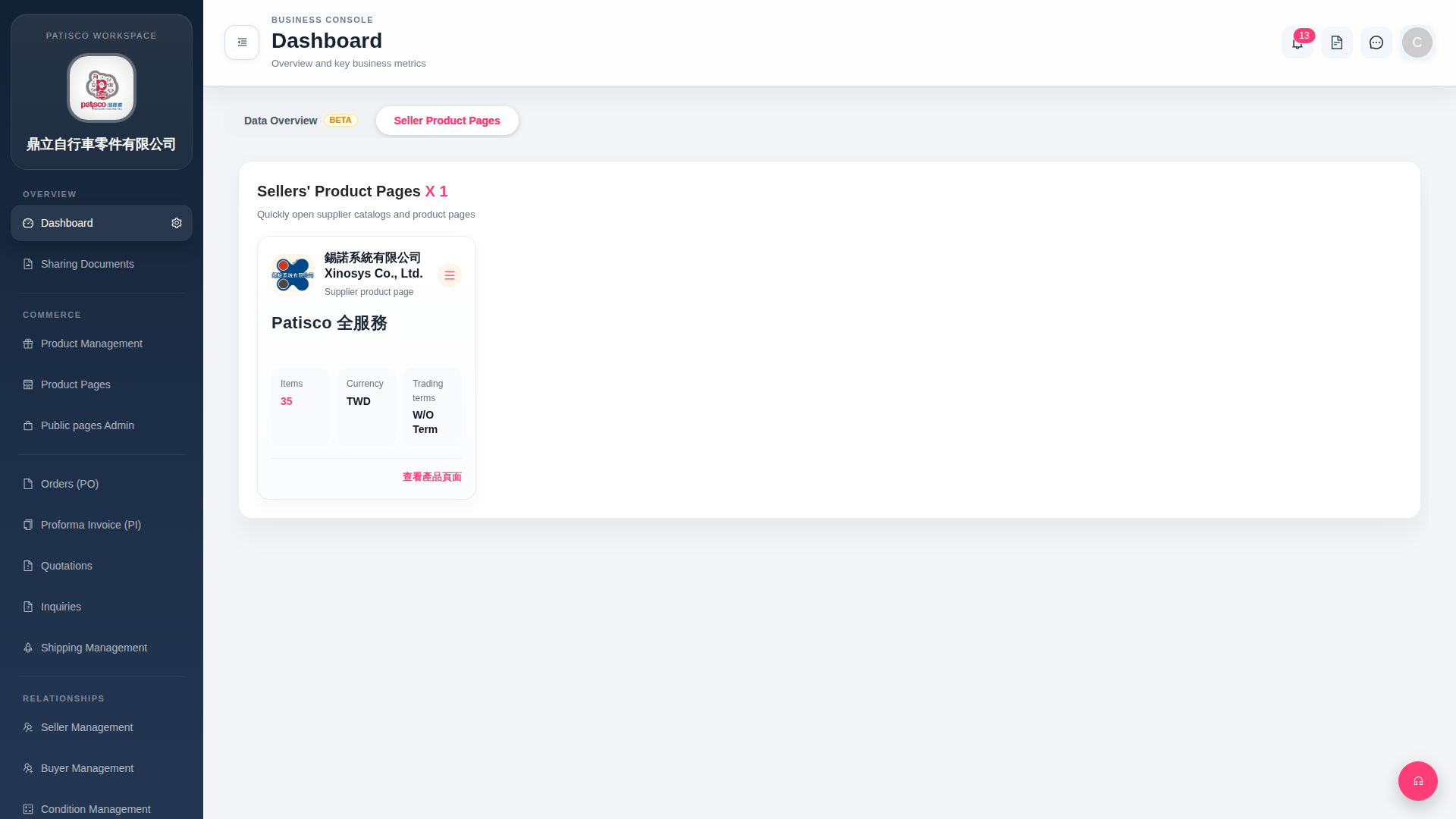
1. After logging in, the system automatically enters the Dashboard page. 2. The tab bar at the top of the page has two options: "Data Overview BETA" and "Seller Product Pages". Click the corresponding tab to switch. 3. After switching to "Seller Product Pages", you can see all linked seller cards. Each card displays summary information such as seller name, number of items (Items), currency (Currency), and trading terms (Trading terms). 4. Switching to "Data Overview BETA" allows you to view the data overview (note: this feature is currently in Beta version).
 G4 桌面版|Dashboard