
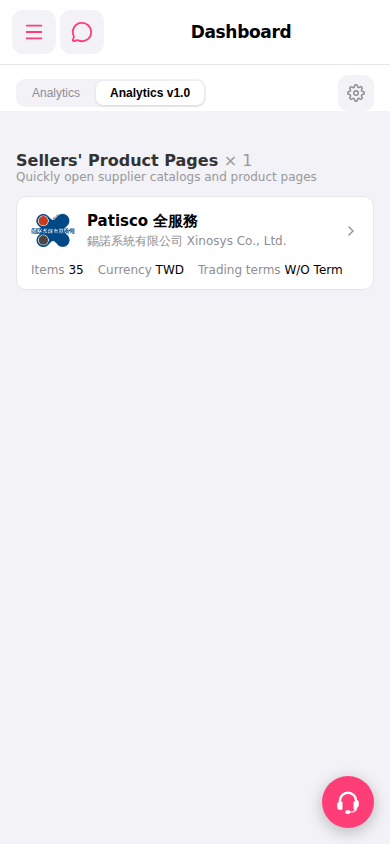
1. Open Patisco on mobile and go to the Dashboard page. 2. Confirm you are currently on the "Analytics v1.0" tab (the selected tab in the tab list). 3. Scroll down to find the "Sellers' Product Pages" section, where you can see the number of connected supplier catalogs. 4. Click the arrow on the right side of the "Patisco Full Service" card to enter that supplier's product catalog page and browse product information (including quantity, currency, trading conditions, and other fields).
💡 AI Question Example: - You can ask: "How many seller catalogs are currently linked on the Dashboard?" - AI will respond: "There is currently 1 seller catalog linked on the Dashboard."
 手機版|Dashboard