
1. Open Patisco on mobile and go to the "Discussions" page. 2. At the top of the screen there are two tabs: "Discussion" on the left (general discussion list) and "AI Discussion" on the right (AI discussion mode), defaulting to the "Discussion" tab. 3. Each row in the list displays the topic name and a preview of the latest message; if the topic has no messages yet, it will display "No messages yet". 4. To the right of the search bar is a "+ Add" button for creating new discussion topics. 5. On the far right of each row is a 🗑️ trash icon; click it to delete that topic.
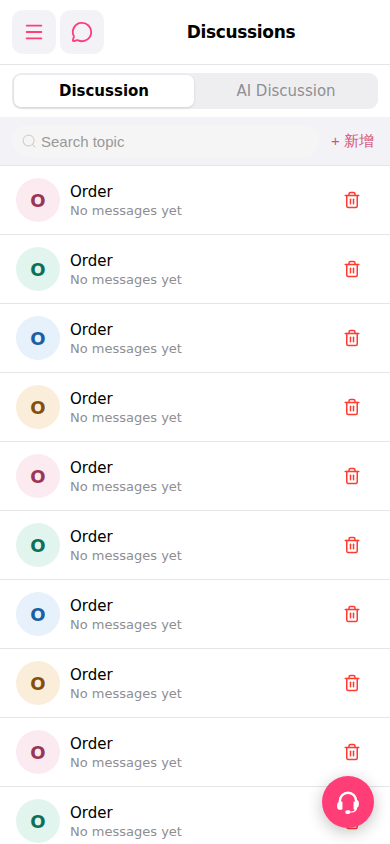 手機版|討論區(Discussions)