
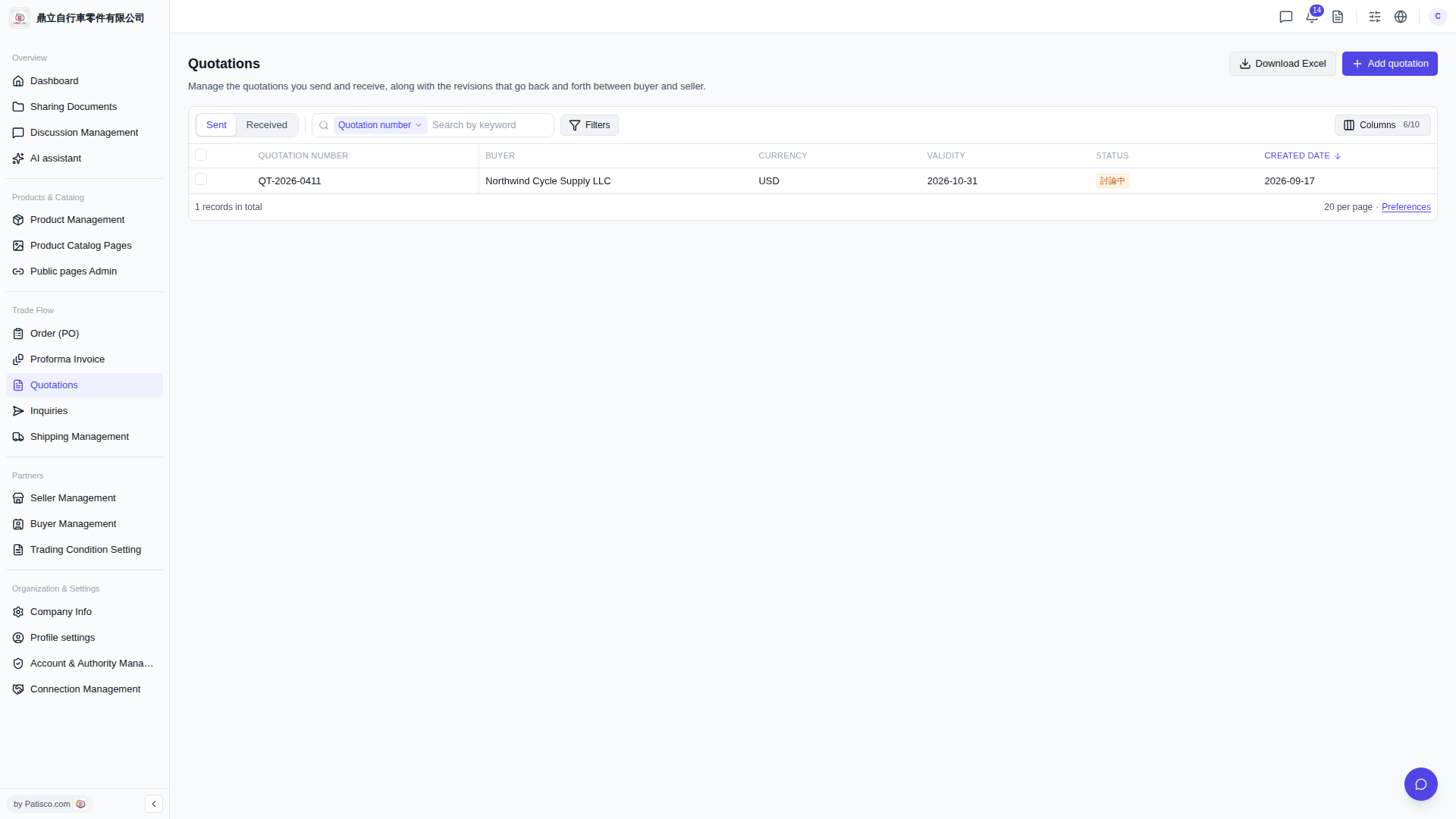
1. In the left sidebar, find the "Trade Flow" category and click "Quotations" under it. 2. After entering, you will see the "Quotations" list. The page will display all quotations by default. 3. Click the "Sent" tab at the top to switch to viewing only "Sent" quotations; click "Received" to switch to "Received" quotations.
 V5 新桌面版|Quotations(報價單管理)