
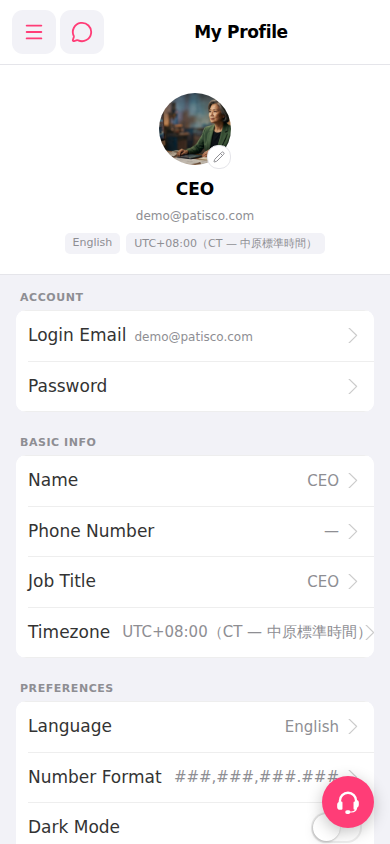
1. Open a browser and go to https://mobile.patisco.com/main/userbasic to view the "My Profile" page. 2. The page is divided into three sections with the following editable items: - ACCOUNT: Login Email and Password - BASIC INFO: Name, Phone Number, Job Title, and Timezone - PREFERENCES: Language, Number Format, and Dark Mode 3. To change your avatar, click the pencil icon in the bottom right corner of your current avatar, select a new image, and upload it.
 手機版|My Profile