
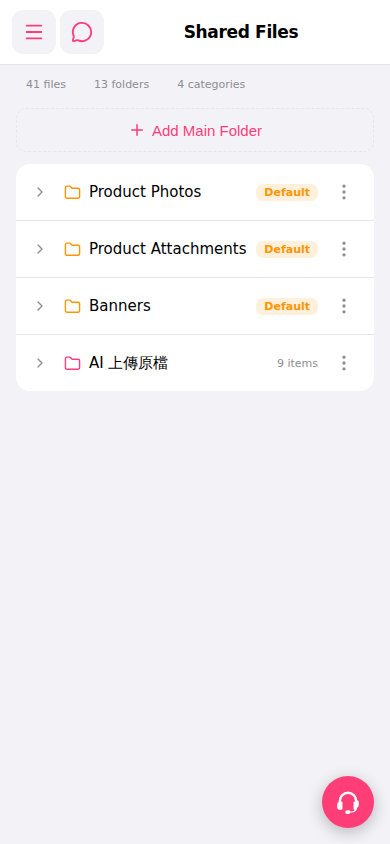
1. After entering the Shared Files page, the screen displays a list of all folders. 2. Find the folder you want to view and click the ">" expand arrow on the left side of the list. 3. After expanding, you can see the subfolders or file contents under that folder. 4. Folders marked as "Default" are system default folders. If a folder displays an item count next to it (such as "9 items"), it means there are that many items inside.
 手機版|共享檔案(Shared Files)