
The "🎧" is the customer support floating button. Here's how to use it: 1. On any Dashboard screen, directly click the "🎧" floating button in the bottom right. 2. The system will open a customer service or online support chat window, allowing you to contact the support team in real time.
Tip: Whether you switch to the "Analytics" or "Analytics v1.0" tab, the "🎧" button always appears in the bottom right and can be used anytime.
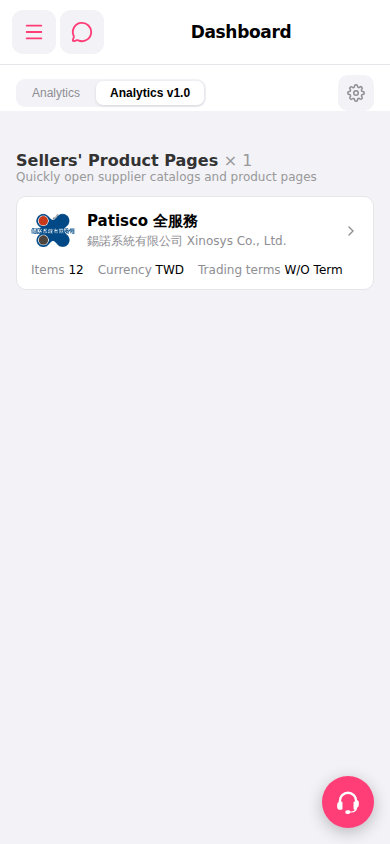 手機版|Dashboard(儀表板)