
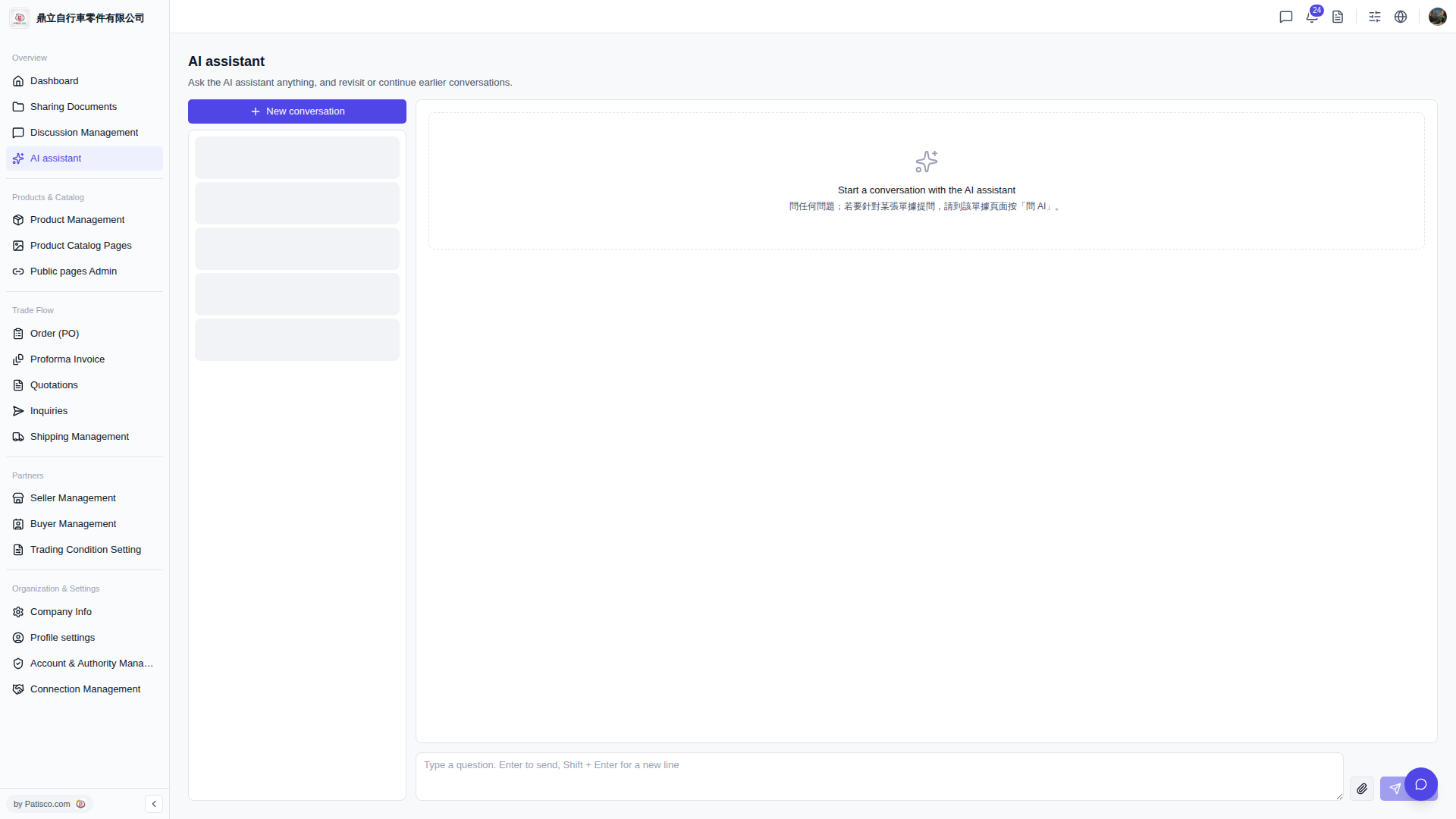
1. First, open the document you want to ask about in Patisco V5 (for example, a quotation or order page). 2. On that page, click the "Ask AI" button, and the system will automatically bring the context of that document into the AI assistant. 3. After entering the conversation, type your question in the input box at the bottom and press "Enter" to send it. 4. If you want to review previous conversations, you can click on conversation history in the left panel and select one to continue.
Tip: If it's a general question (not limited to a specific document), you can directly open the AI assistant page and start asking with "+ New conversation".
 V5 新桌面版|AI assistant