
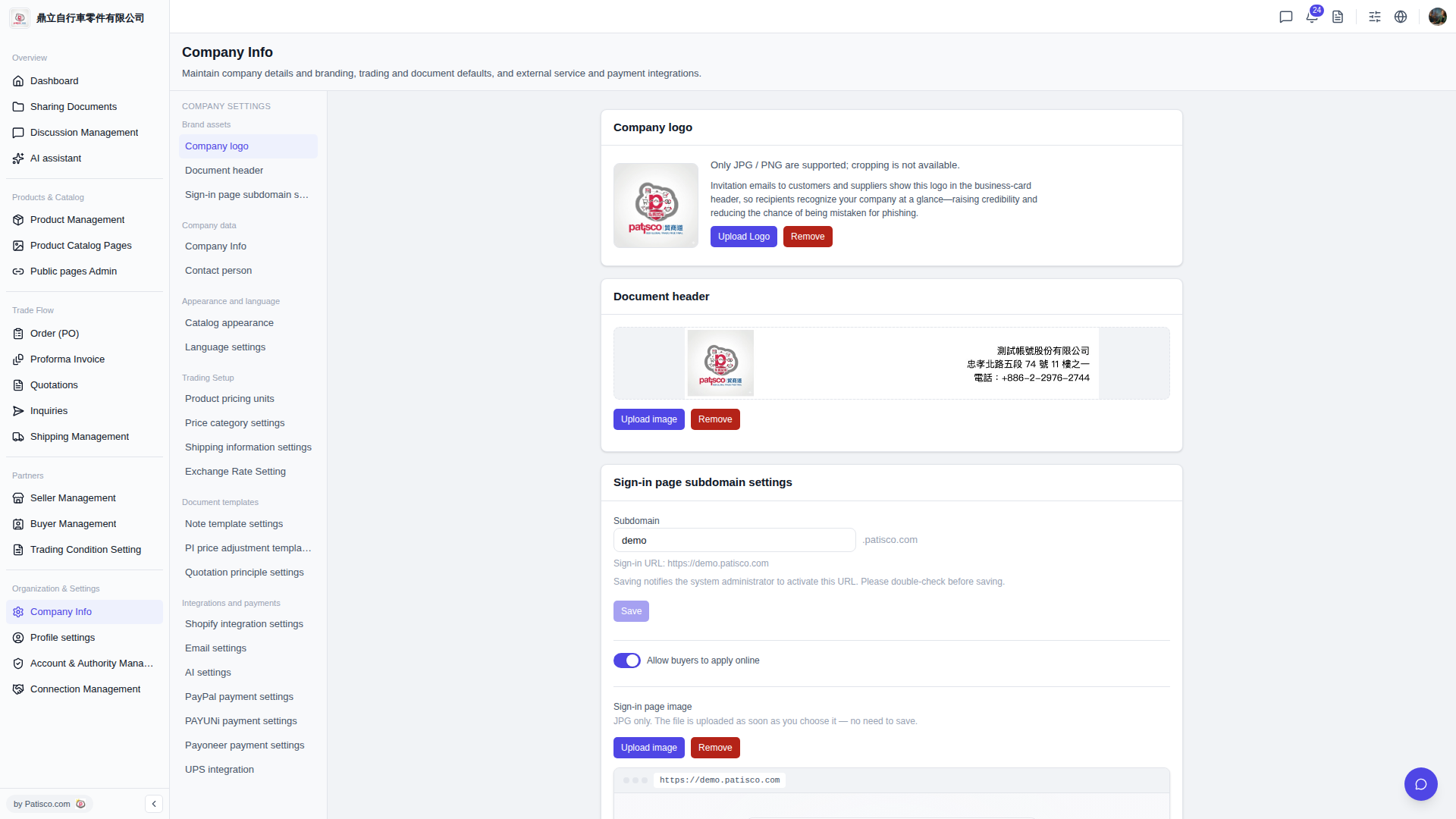
1. Go to the Company Basic Settings page (URL: v5.patisco.com/company-basic). 2. Find the "AI settings" section and confirm that "Enabled" is turned on. 3. Under "AI provider", select a provider. Currently you can choose "ChatGPT" or "Claude". 4. In the "Model" dropdown menu, select a model such as "GPT-4o" or "GPT-4o Mini". 5. Fill in the corresponding API Key in the "API Key" field. 6. After confirming that the provider, model, and API Key are all filled in, click "Update settings" to save. Note: the provider and model must be sent together; you need to click the button for the settings to take effect.
 V5 新桌面版|ai.config