
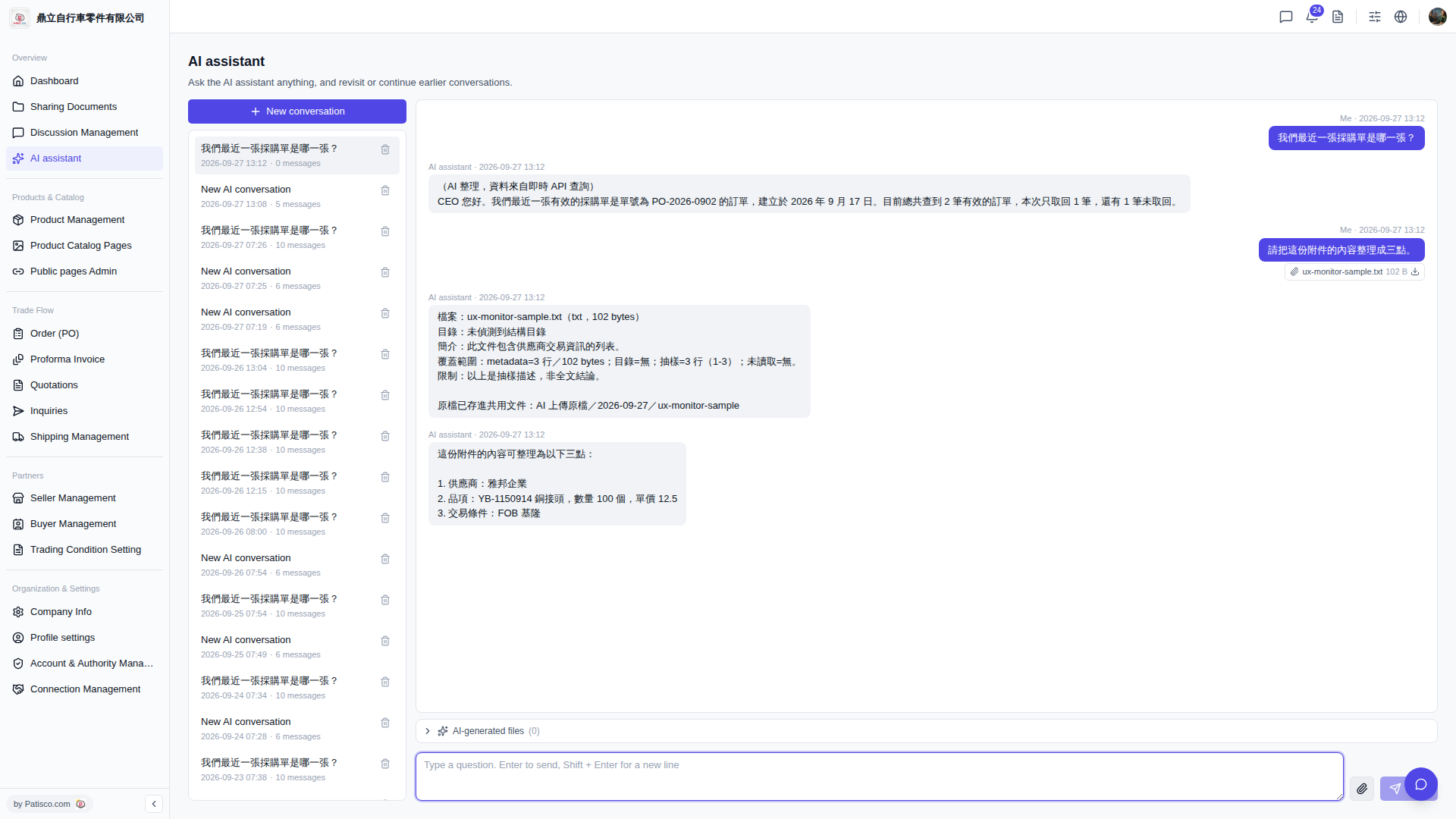
1. The conversation list on the left shows the title, date, and message count of all conversation history. Click any item to continue that conversation. 2. To delete unnecessary conversation history, hover your mouse over the corresponding item in the list and click the trash icon that appears on the right to delete it. 3. To view files generated by the AI during the conversation, click "AI-generated files (0)" at the bottom of the conversation area to expand the list.
 V5 新桌面版|AI assistant