
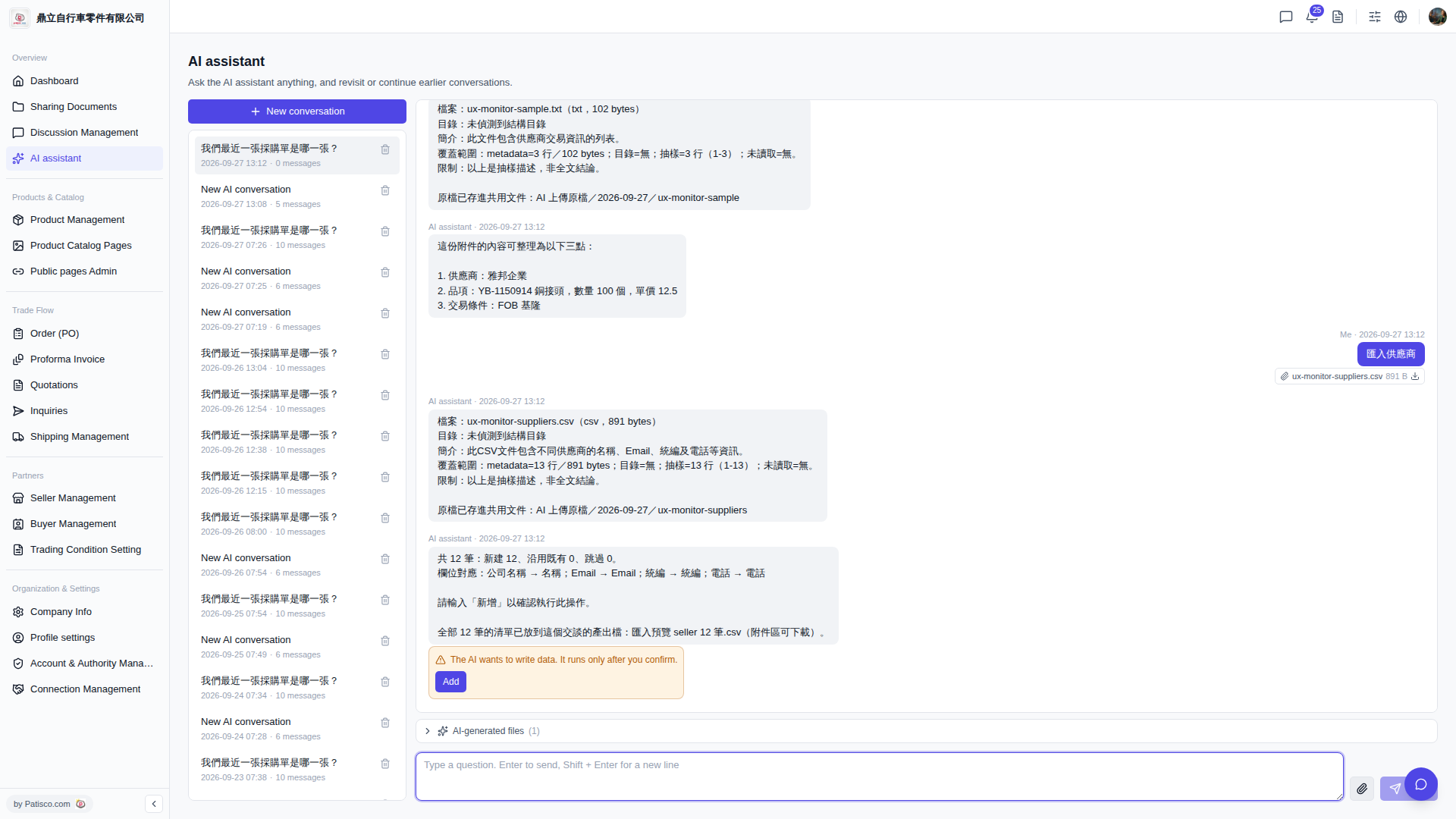
After the AI assistant completes parsing, it provides two confirmation channels: 1. The conversation window directly displays a summary such as "Total X records: X new, X existing, X skipped", as well as the mapping method for each field. 2. The attachment area automatically generates an "Import preview seller X records.csv" file. Click to download it, which contains the complete list of all records to be imported. 3. Note: Before you type "Add" to confirm, the data has not yet been written to the system. Be sure to review the preview list first before confirming execution.
 V5 新桌面版|ai.outputs.csv