
1. After opening Patisco mobile, click the "☰ Menu icon" in the upper left corner to expand the sidebar navigation menu. 2. Go to the "Discussions" page from the menu, which will display the "Discussion" tab with a list of discussions by default. 3. Each item in the list shows the topic name, preview of the latest message, and avatar color identification for quick recognition. 4. To search for a specific topic, click the "Search topic" search bar at the top and enter keywords to filter.
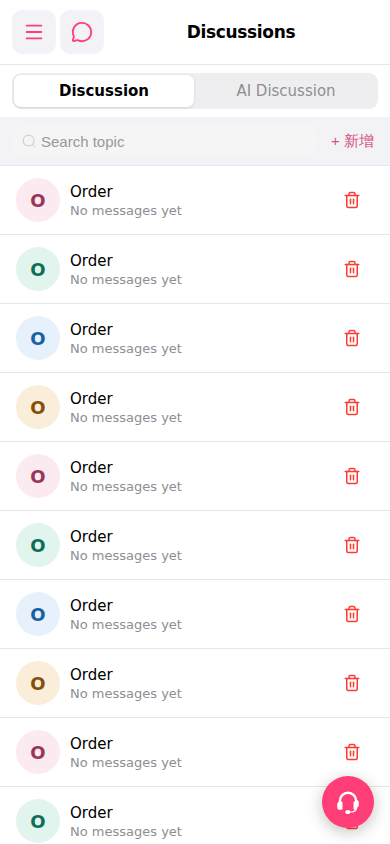 手機版|討論區(Discussions)