
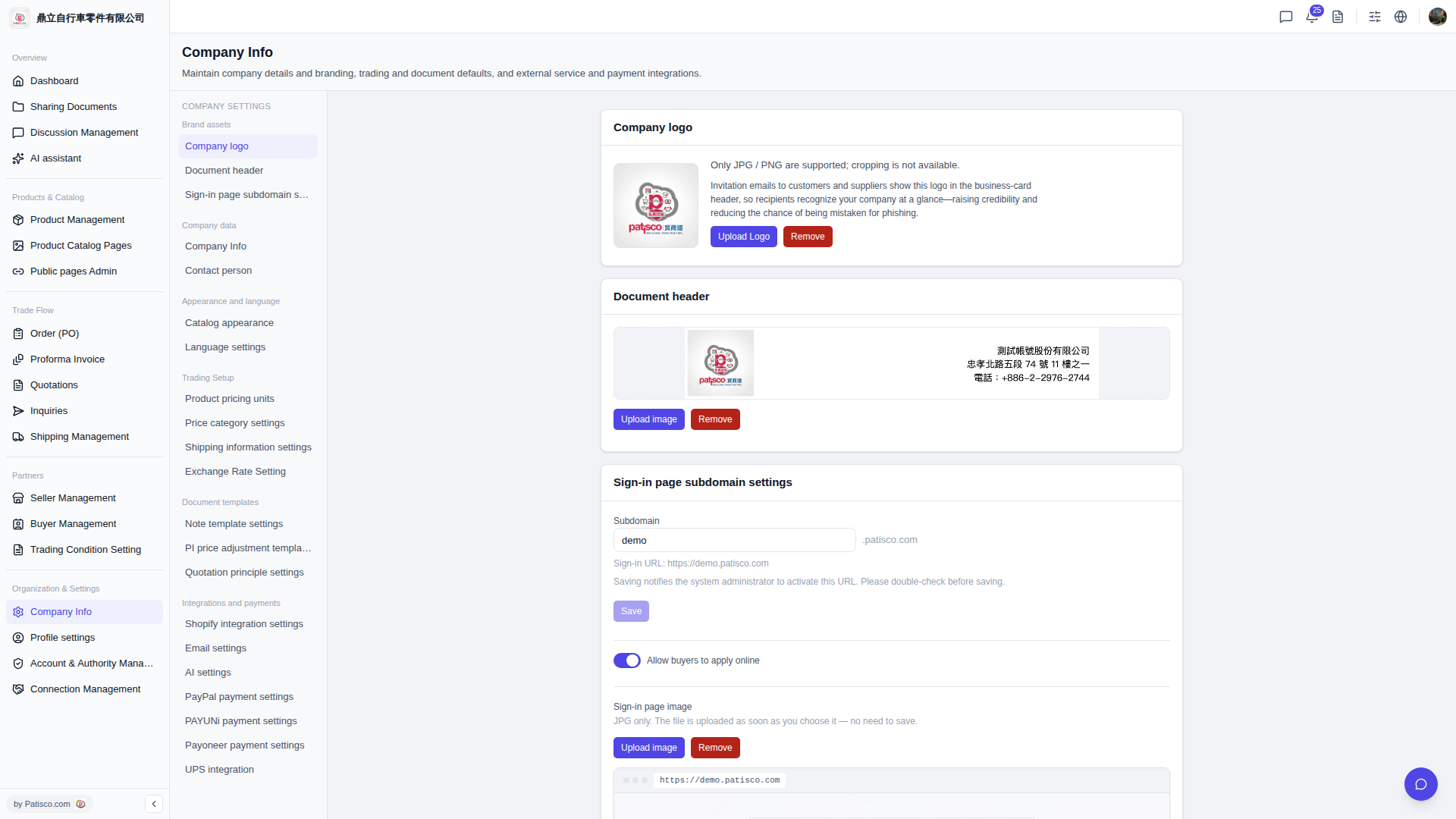
1. After logging in, go to the "Company Basic Settings" page (the URL ends with /company-basic#ups-setting). 2. Find the "UPS Authorization" section. The current status will display as "Not Connected". 3. Click the link button next to it and follow the on-screen instructions to complete UPS account authorization. 4. After successful authorization, the status will change from "Not Connected" to connected.
💡 You can ask the AI assistant like this: "How do I link UPS authorization?" The AI might respond: "Please go to the UPS Authorization section in Company Basic Settings, click the link button and follow the steps to complete the authorization."
 V5 新桌面版|ups.setting