
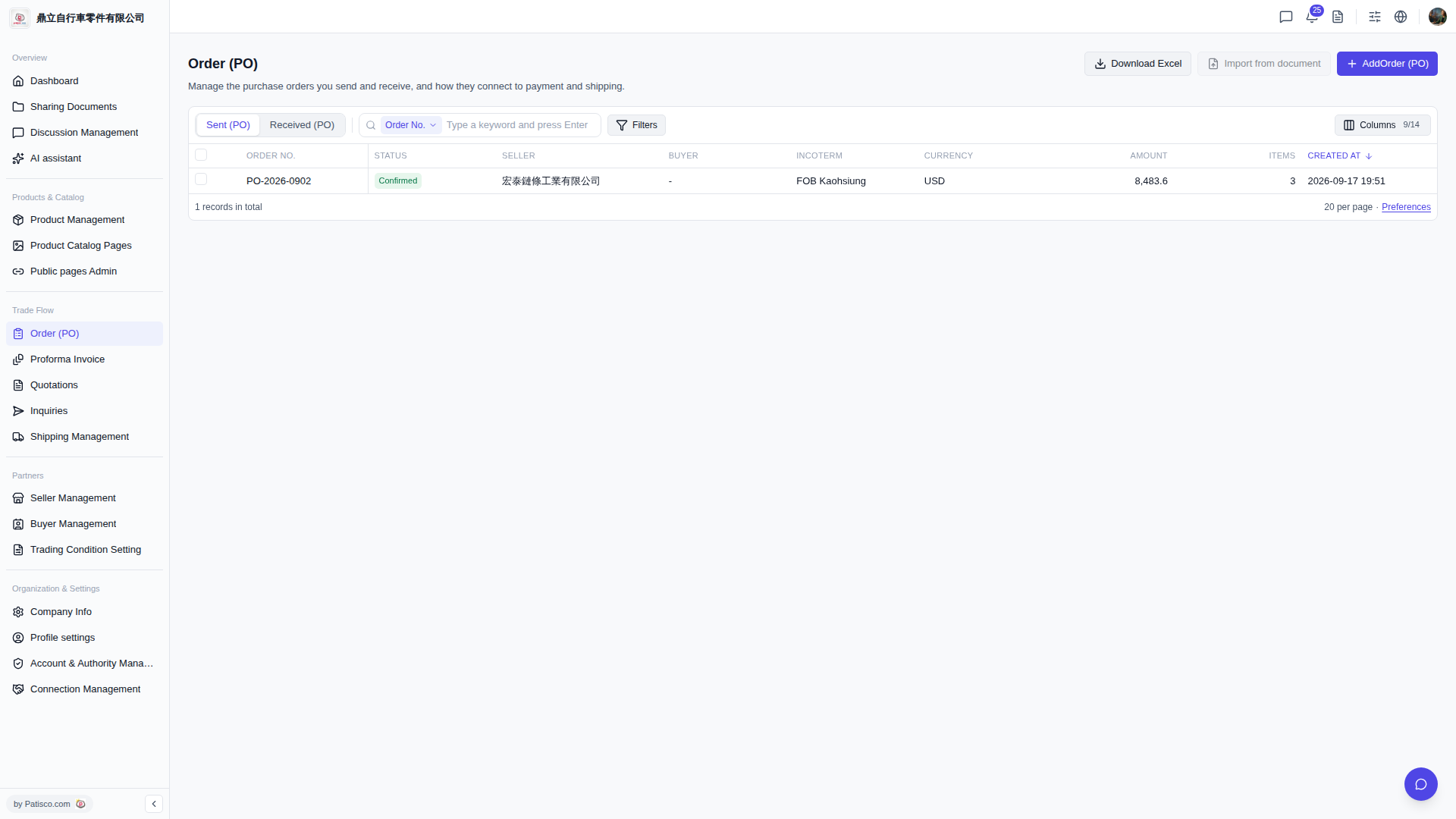
1. Find the "Trade Flow" section in the left sidebar. 2. Click "Order (PO)" to access the purchase order management page. 3. Once you're in, you can view sent orders through the "Sent (PO)" tab at the top, or click "Received (PO)" to view received orders.
 V5 新桌面版|Order (PO) 採購訂單管理