
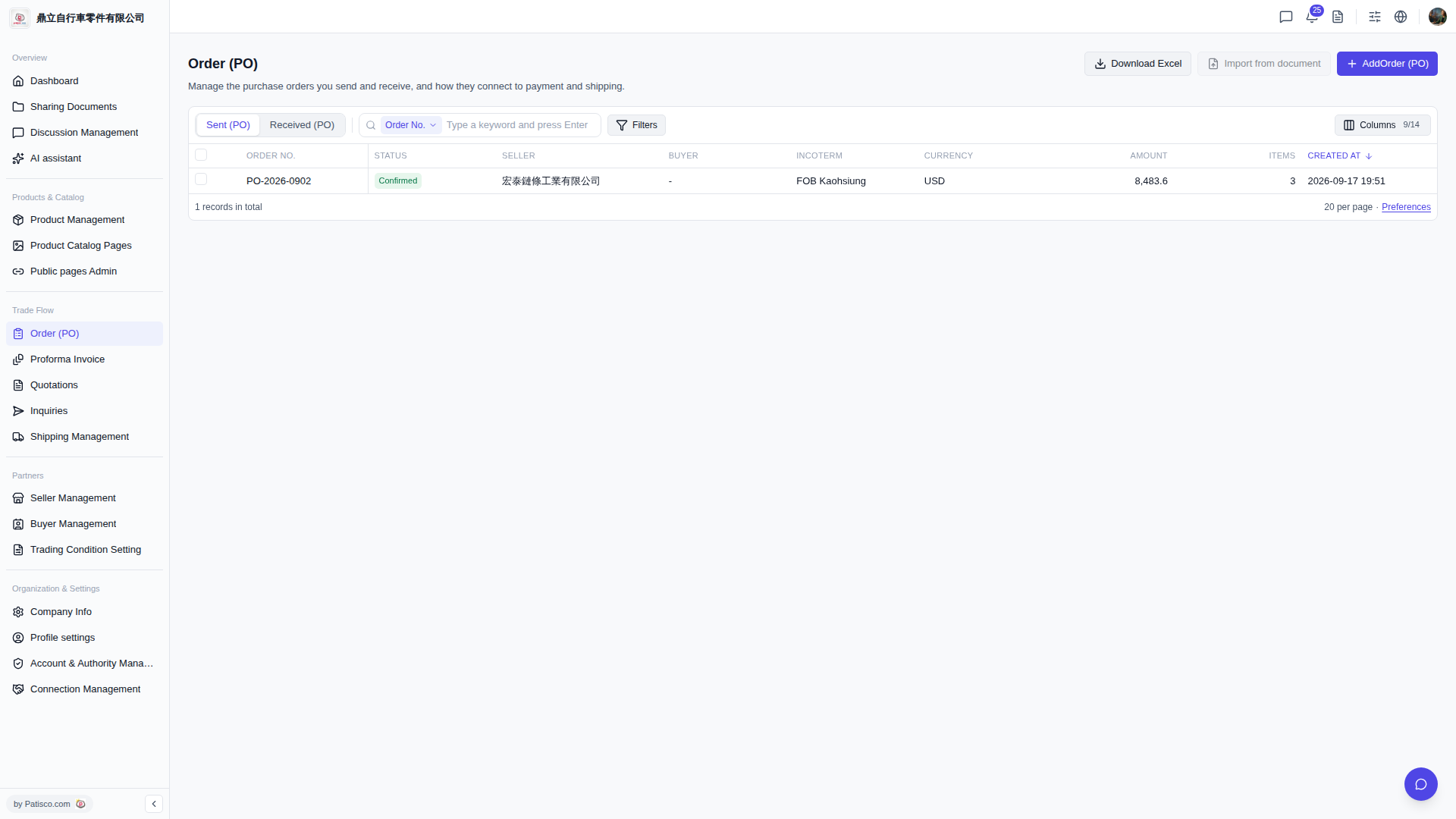
To search for a specific order: 1. Click the dropdown menu on the left side of the search bar (default shows "Order No.") and select the field you want to search by. 2. Enter keywords in the search bar and press Enter to display matching orders.
To filter orders: 1. Click the "Filters" button on the right side of the search bar to open the filter settings panel. 2. Set your filter conditions and apply them. The list will then be filtered according to your criteria.
Additionally, if you want to customize which fields are displayed in the list, click "Columns 9/14" in the top right corner of the list to adjust the display.
 V5 新桌面版|Order (PO) 採購訂單管理