
1. Find the "Columns 6/10" button in the top right corner of the quotation list. The numbers indicate that 6 columns are currently displayed out of 10 available columns to choose from. 2. Click "Columns 6/10" and check or uncheck the fields you want to display. Available columns include QUOTATION NUMBER, BUYER, CURRENCY, VALIDITY, STATUS, CREATED DATE, and 4 more options for a total of 10. 3. To adjust the number of rows displayed per page, click "Preferences" in the bottom right corner of the list to configure it.
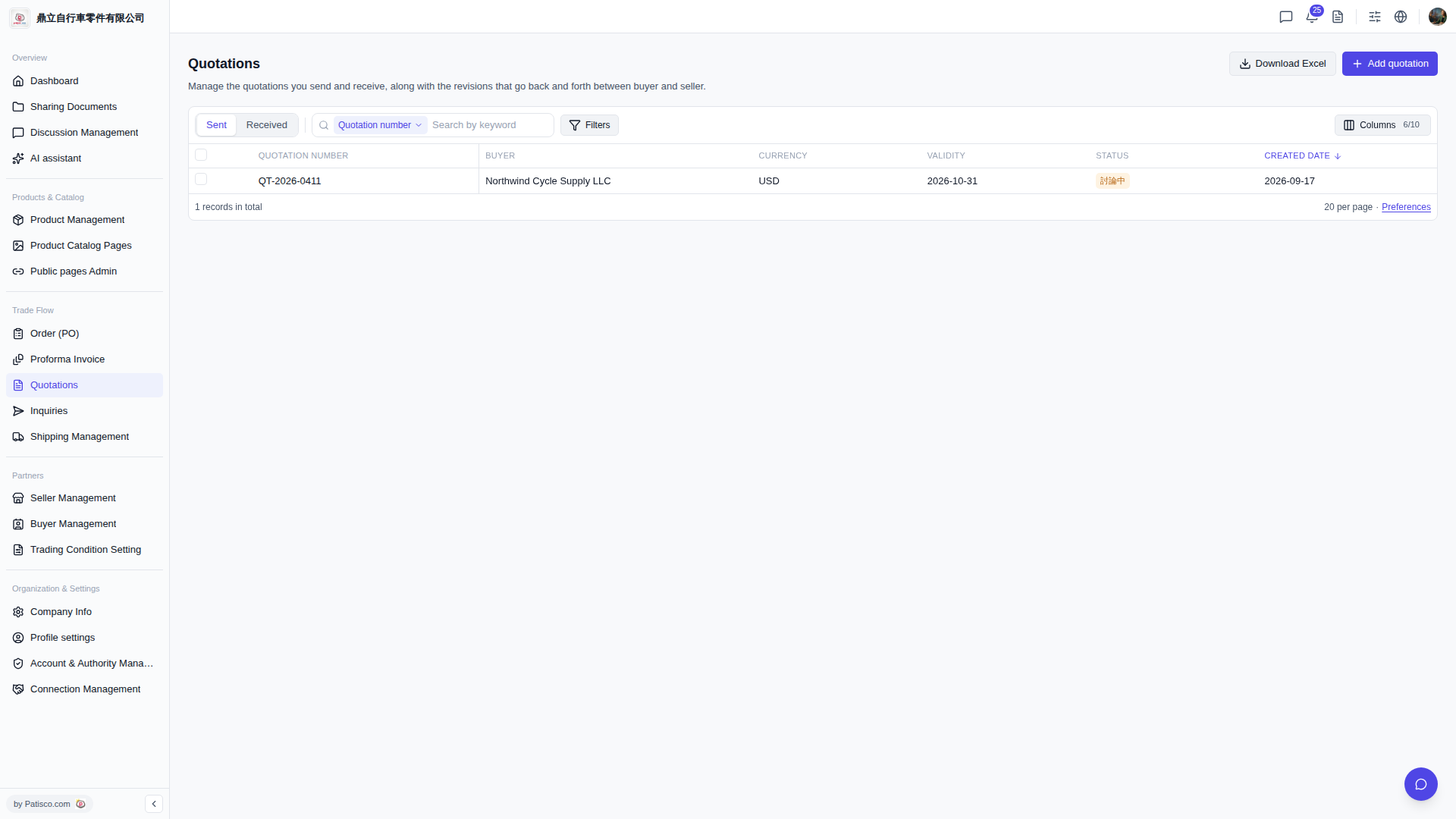 V5 新桌面版|Quotations(報價單管理)