
1. On the Dashboard page, click the "☰ Menu" button in the top left corner. 2. The side navigation menu will expand; select the feature module you need. 3. If you have messages or notifications to check, click the "💬 Messages" button next to the menu button in the top left. 4. To adjust page settings, click the "⚙️ Settings" button in the top right corner. 5. If you encounter any issues during operation, click the "🎧 Support" button floating in the bottom right corner to contact customer service.
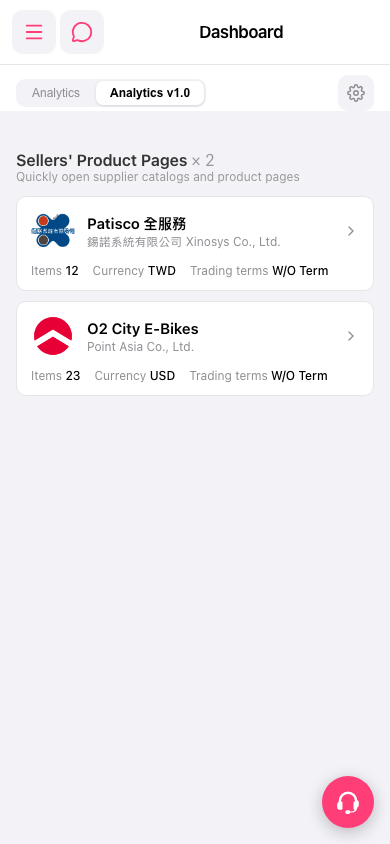 手機版|Dashboard