
1. Open mobile Patisco and go to the "Discussions" page; it will stop at the "Discussion" tab by default. 2. To find a specific topic, click on the search bar at the top and enter keywords. 3. To add a new topic, click the "+ Add" button to the right of the search bar, fill in the topic information, and save. 4. Click any topic in the list to enter that topic's conversation page and view or send messages.
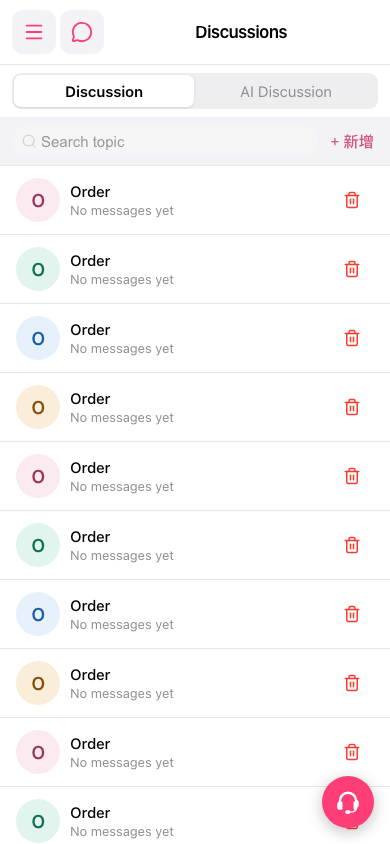 手機版|討論(Discussions)