
Yes. After uploading an attachment, simply enter your request in the chat box and send. For example:
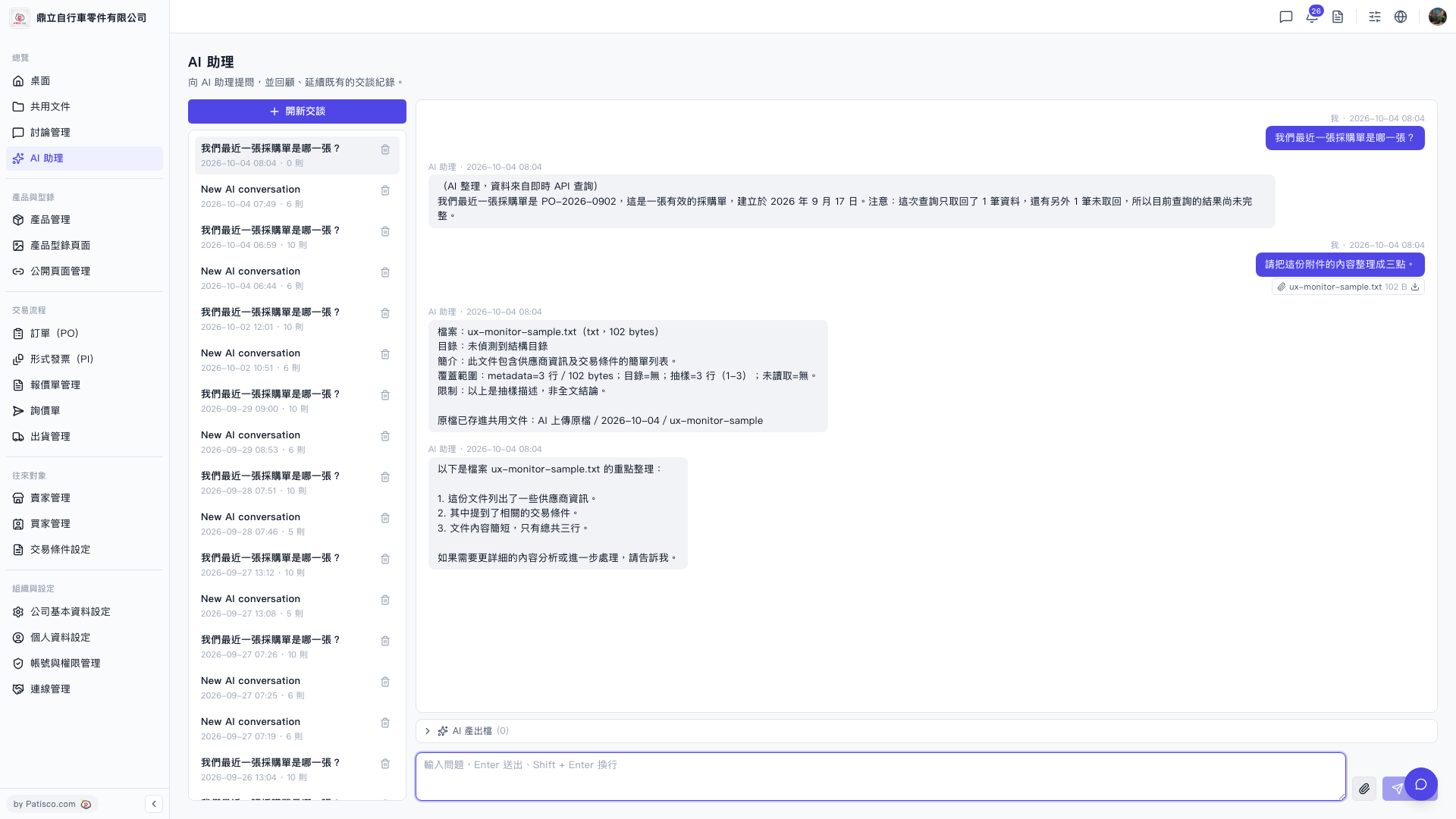
1. Upload your attachment (such as .txt file) in the AI assistant chat window. 2. Enter an instruction in the input box, such as "Please organize the content of this attachment into three points," then send. 3. The AI assistant will first explain the file's basic information (filename, size, sample range, limitations), then list the key points according to your request. 4. The originally uploaded file will be automatically saved in the shared document folder "AI uploaded files / date /".
You can ask like this: "Please organize the content of this attachment into three points." The AI will respond like this: "Below are the key points from the file ux-monitor-sample.txt: 1. This document lists some supplier information. 2. It mentions relevant trading conditions. 3. The document content is brief, with only three lines in total. If you need more detailed content analysis or further processing, please let me know."
 V5 新桌面版|ai.attach.ask