
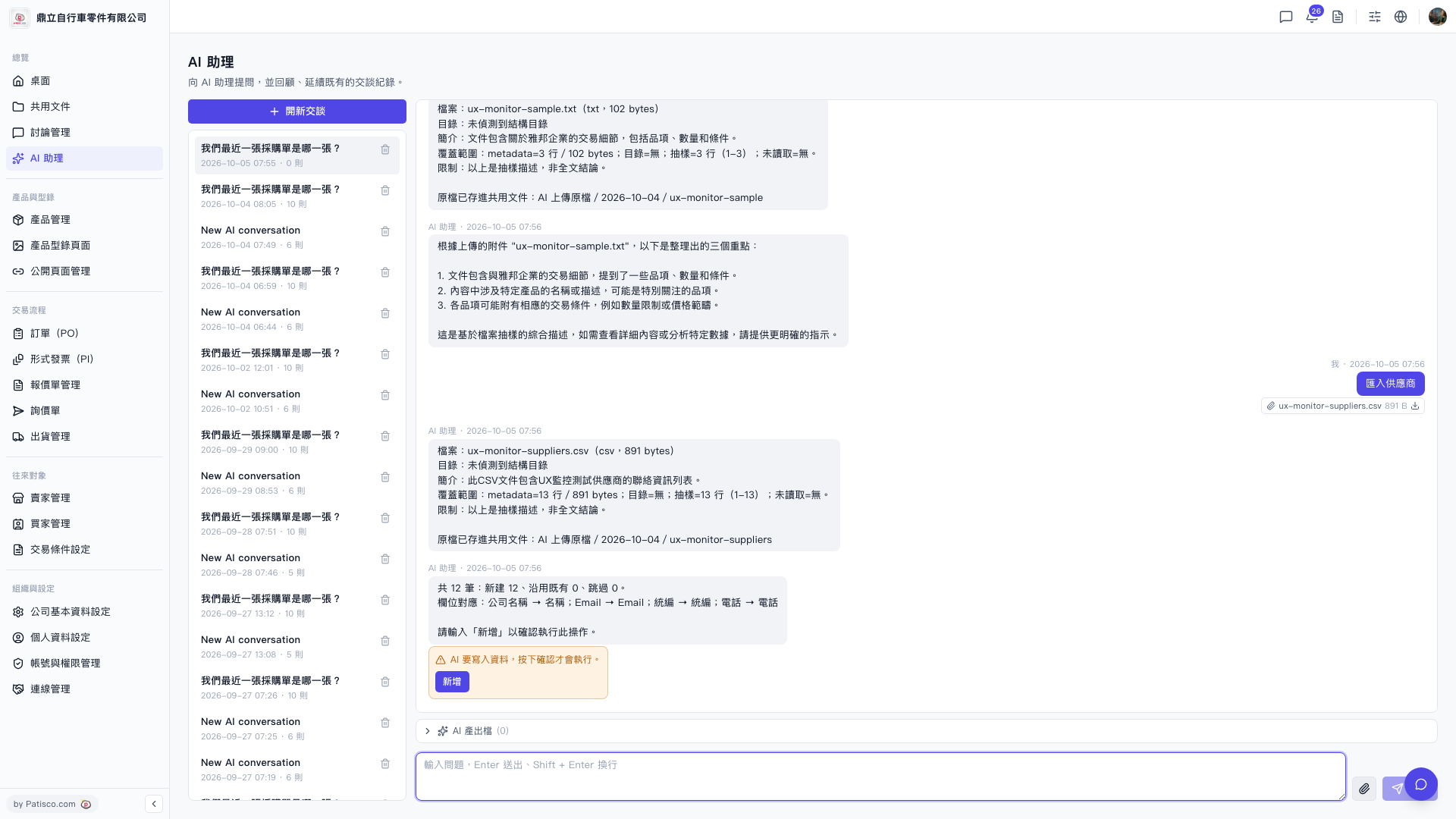
1. After completing the import operation, check the "AI Output Files (0)" button above the conversation input field. 2. Click the button to expand and view the list of files generated by the AI in this session.
Known issue: The "AI Output Files" currently shows 0, indicating that this import operation did not generate additional output files. If you have any questions, please contact customer support to confirm whether this is expected behavior.
 V5 新桌面版|AI 助理