
1. The "⚙️ (Settings)" button in the upper right corner is used to adjust Analytics display settings. Click it to open the relevant configuration options. 2. To switch to the old Analytics version, click the "Analytics" tab on the left side of the tab bar. The "Analytics v1.0" tab is currently displayed by default. 3. To access other feature modules, click the "≡ (Menu)" in the upper left corner to open the side navigation menu.
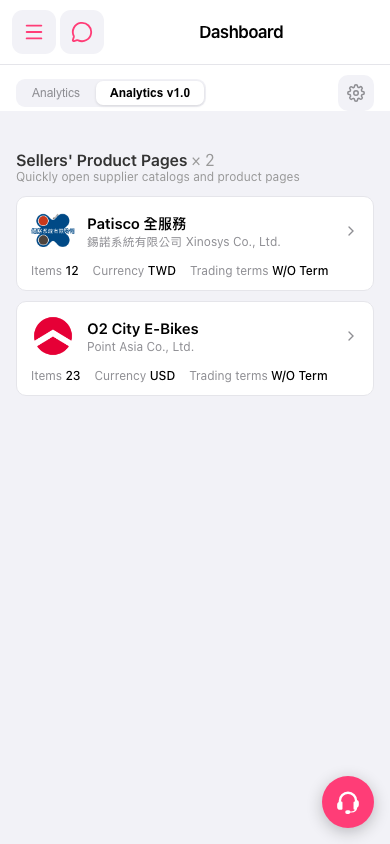 手機版|Dashboard