
1. Search: Click the search icon in the top right, enter keywords such as PO number or supplier name to find the corresponding PO. 2. Filter: Click the filter icon in the top right, set your desired filter conditions (such as status or date range) and confirm; the list will update automatically. 3. If you need more options, click the "More Options (...)" in the top right corner to expand the menu.
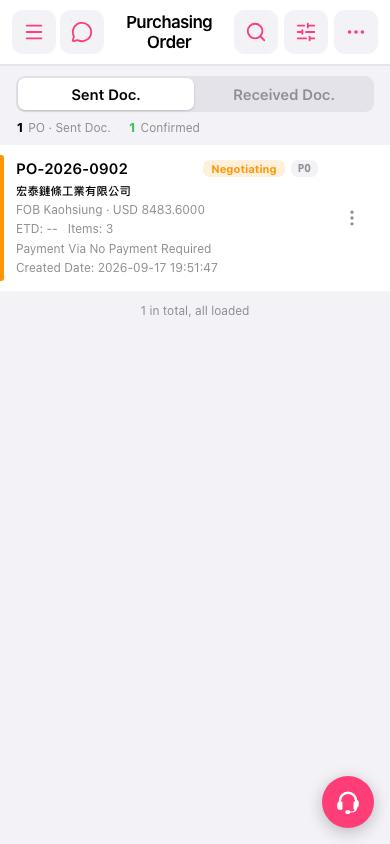 手機版|採購訂單(Purchasing Order)