
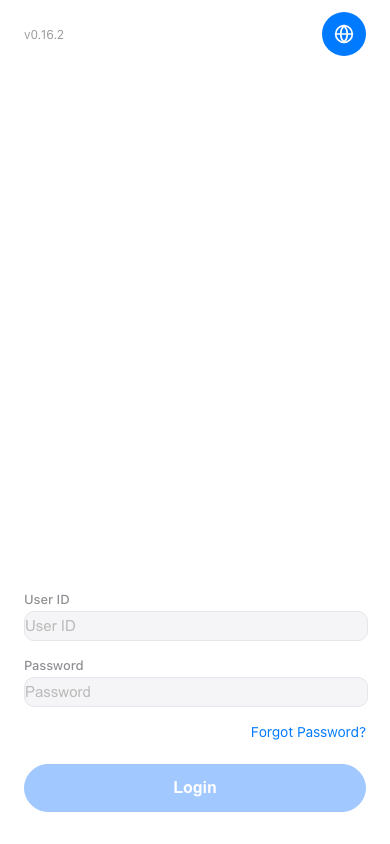
Forgot Password: 1. On the login page, find and click the "Forgot Password?" link in the lower right corner of the password field. 2. Follow the on-screen instructions to complete the password reset.
Change Language: 1. Click the globe icon in the upper right corner. 2. Select the language you need, and the interface will switch accordingly.
 手機版|登入