
1. The pink "🎧 Customer Service icon" in the lower right corner is for contacting customer service or technical support. Click it if you encounter any issues. 2. To switch to other feature modules, click the "≡ Hamburger menu" in the upper left corner to expand the sidebar navigation and select the desired feature. 3. To adjust analytics settings, click the "⚙️ Settings icon" in the upper right corner; to switch analytics tabs, click the "Analytics" tab at the top.
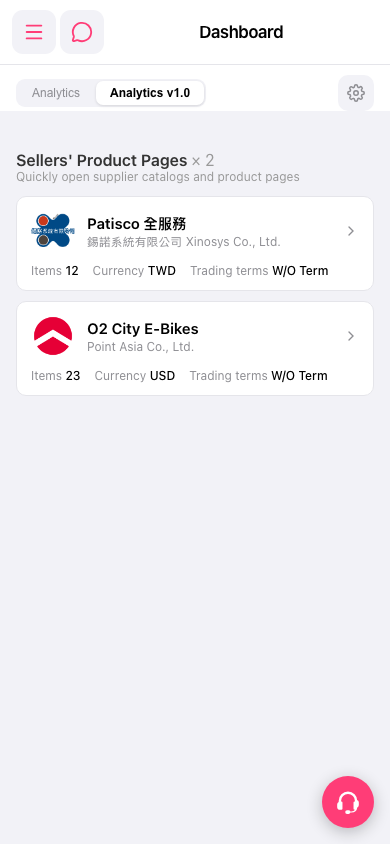 手機版|Dashboard