
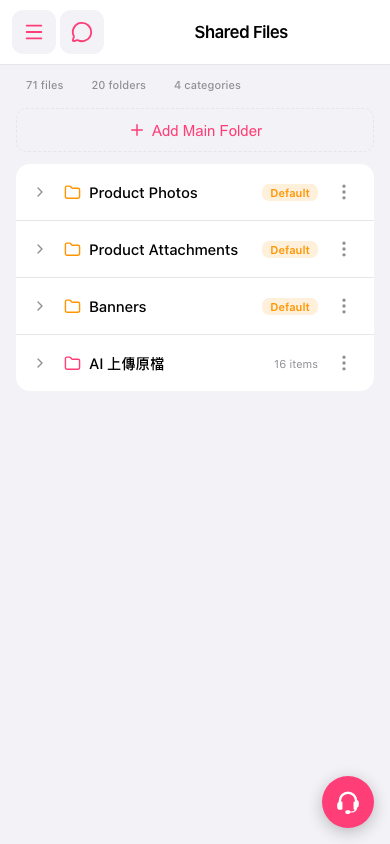
1. Find the folder you want to view on the Shared Files page. 2. Click the ">" arrow on the left side of the folder row to expand and view sub-items and files inside. 3. To rename, delete, or access other settings, click the "⋮" icon on the right side of the folder row and select the corresponding operation from the menu.
Note: Folders marked as "Default" (such as Product Photos, Product Attachments, Banners) are system default folders. Custom folders display the number of items they contain for reference.
 手機版|共享文件