
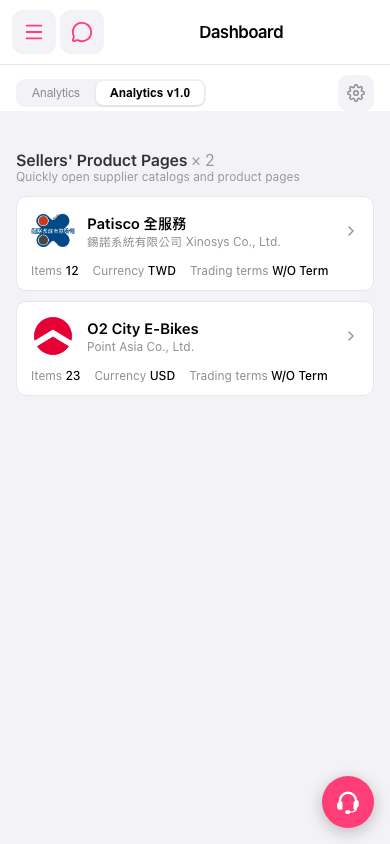
1. After entering "Dashboard", the page has two tabs at the top: "Analytics" on the left (general view) and "Analytics v1.0" on the right (currently selected by default). 2. Click the "Analytics" tab on the left to switch to the general view of the old Analytics. 3. If you need to adjust the display settings for Analytics, click the "⚙️ (Settings)" icon in the upper right corner.
 手機版|Dashboard