
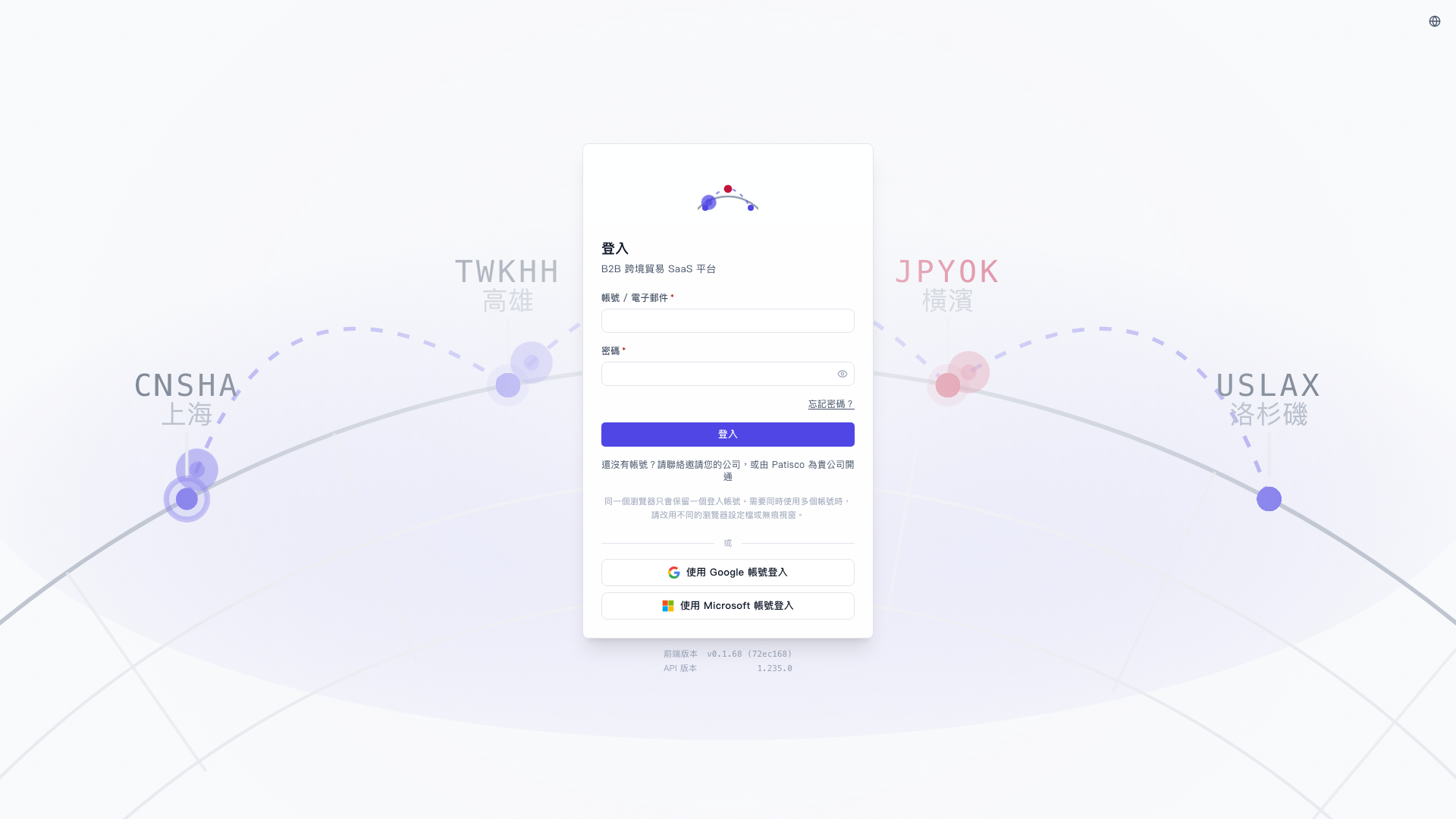
Patisco V5 offers three login methods:
Method 1: Username and Password Login 1. Open your browser and go to https://v5.patisco.com/login. 2. Enter your login username or email address in the "Account / Email" field. 3. Enter your password in the "Password" field (click the eye icon on the right to show or hide the password). 4. Click the blue "Login" button to complete login.
Methods 2 & 3: Third-Party Quick Login - Click "Sign in with Google Account" to quickly log in via your Google account. - Click "Sign in with Microsoft Account" to quickly log in via your Microsoft account.
> If you don't have an account yet, please contact your company administrator or contact Patisco to set up an account for your company.
 V5 新桌面版|登入