
Yes, provided your company has SSO (Single Sign-On) enabled. Here is how to do it: 1. Open the login page at https://v5.patisco.com/login. 2. Below the divider line, look for the "Sign in with Google" or "Sign in with Microsoft" button. 3. Click the corresponding button. The system will redirect you to Google or Microsoft's authentication page. Follow the instructions to complete the authorization and log in.
If these buttons do not appear on the page, or if verification fails after clicking, please contact your company administrator to confirm whether SSO has been enabled.
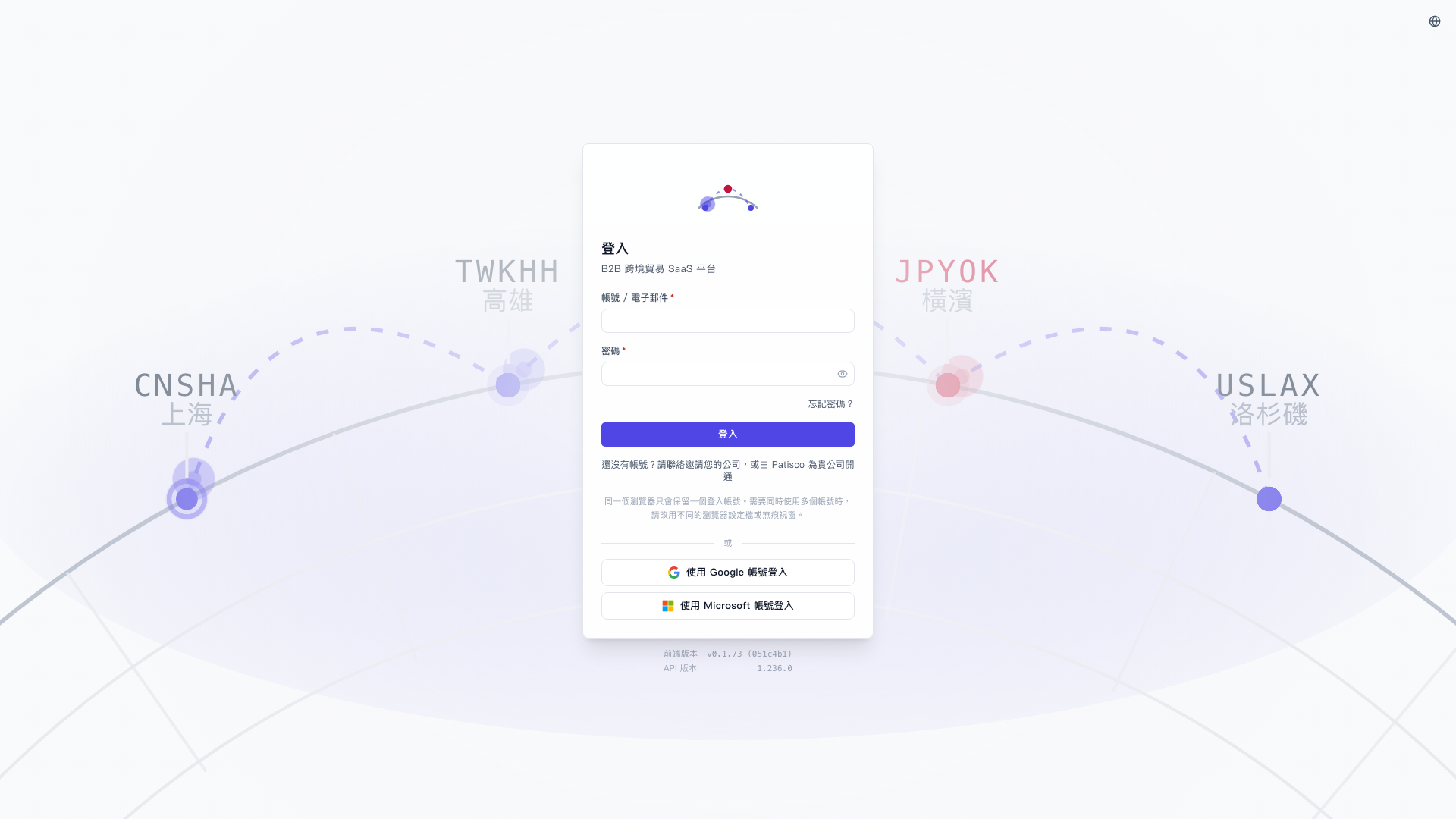 V5 新桌面版|登入