
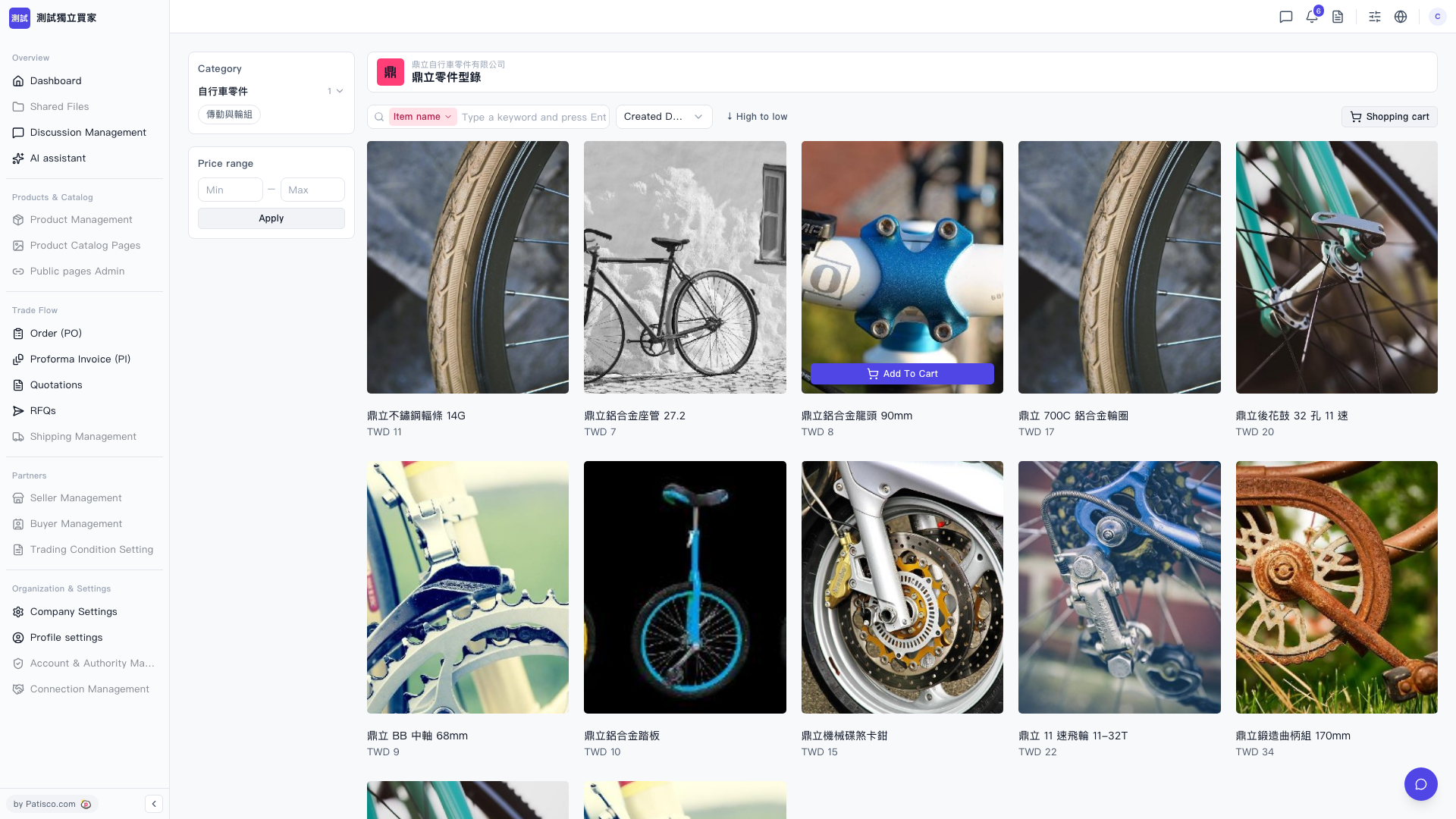
On the "Catalog layout" page, there are several filtering methods: 1. Category filtering: Click a category name in the left "Category" section (for example, "Transmission and Wheel Group") to display only products in that category. 2. Price range filtering: In the left "Price range" section, enter the "Min" (minimum price) and "Max" (maximum price) respectively, then click "Apply" to apply the filter. 3. Keyword search: In the top search bar, select a search condition (such as "Item name"), enter a product keyword, and press Enter to search. 4. Sort adjustment: Click the sort dropdown menu to the right of the search list, select "Created Date" to sort by creation date, or select "↓ High to low" to sort by price from high to low.
 V5 新桌面版|鼎立零件型錄