
1. In the left sidebar, click "Quotation" under "Trade Flow". 2. From the list, open the quotation you want to view (for example QT-2026-0411). 3. Look at the tags and dates in the page header to confirm the quotation status (original, under discussion, not yet confirmed) and the person in charge. 4. Scroll down the page, or click "Seller Information", "Buyer Information", or "Quotation Information" in the section bar on the left, to check the company details, expiry date, trading currency, trading conditions, and ports.
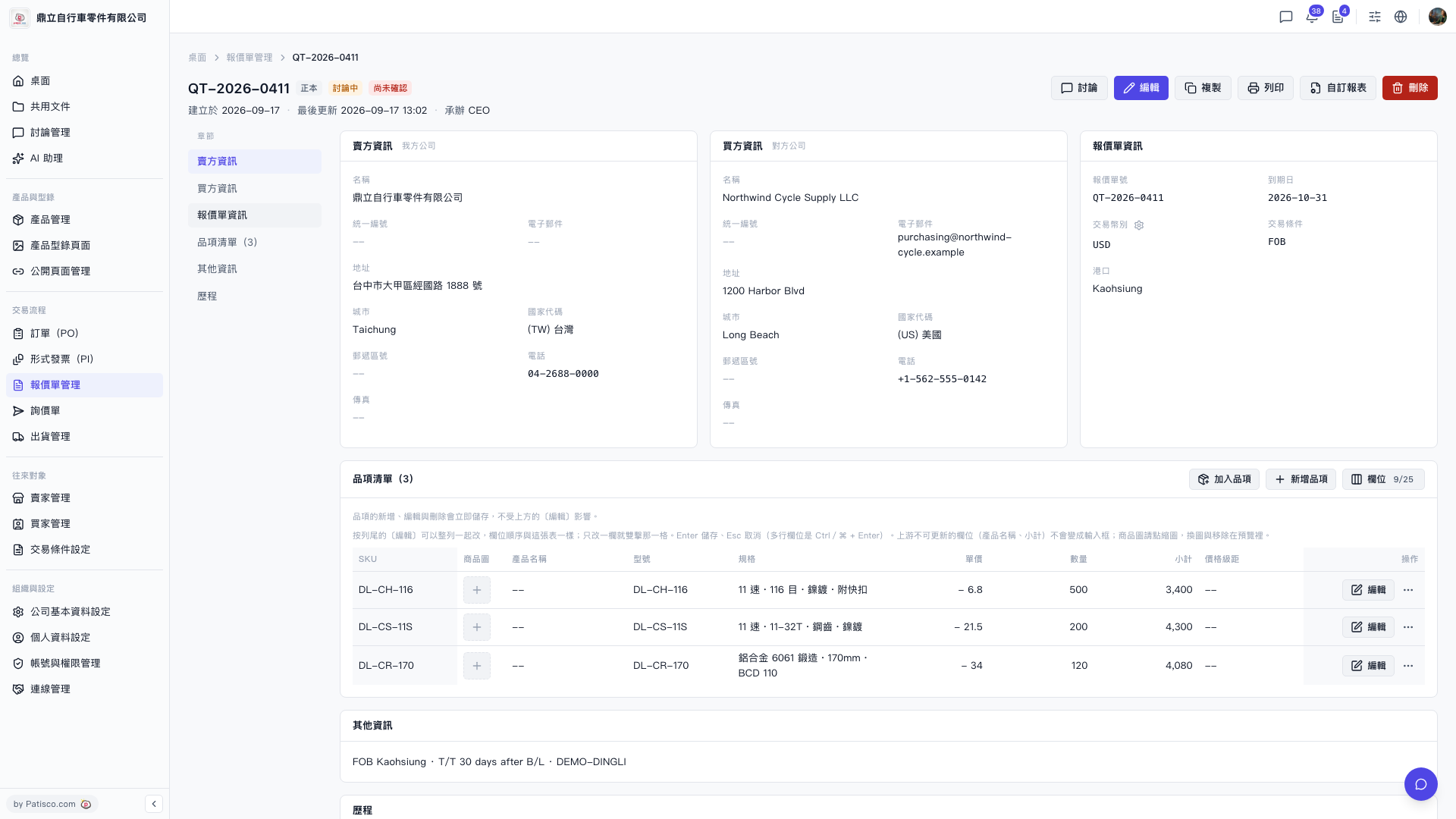 V5 新桌面版|QT-2026-0411(報價單詳情)