
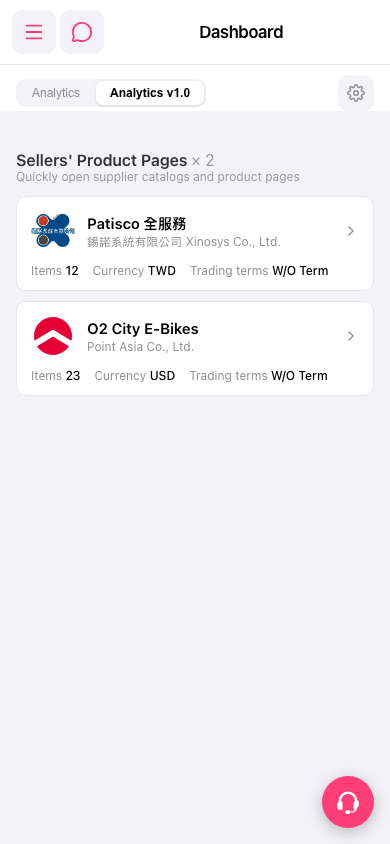
1. At the top of the page, there are two tabs: "Analytics" (old analytics page) and "Analytics v1.0" (current version, selected by default). 2. Click "Analytics" to switch to the old analytics view; click "Analytics v1.0" to return to the current version. 3. If you need to adjust Dashboard display settings, click the "⚙" settings icon in the top right corner to configure it.
※ The AI assistant indicates there are currently 2 seller product catalogs on the Dashboard (seller catalogs on dashboard: 2). If the number does not match the actual count, click the pink customer service floating button in the bottom right corner to report it.
 手機版|Dashboard