
1. After opening the mobile version of Patisco, go to the "New AI conversation" page and confirm that the conversation type at the top shows "General conversation". 2. To switch conversation modes, click the "↺" button in the top right corner. 3. Click the input box at the bottom "Ask AI a question...", then type your question. 4. To attach a file, click the "paperclip" icon on the left side of the input box to upload; to attach a photo, click the "camera" icon next to it to take or select a photo. 5. After confirming, click the pink "paper plane" button on the right to send. Once the AI replies, you can continue asking questions for multi-turn conversations.
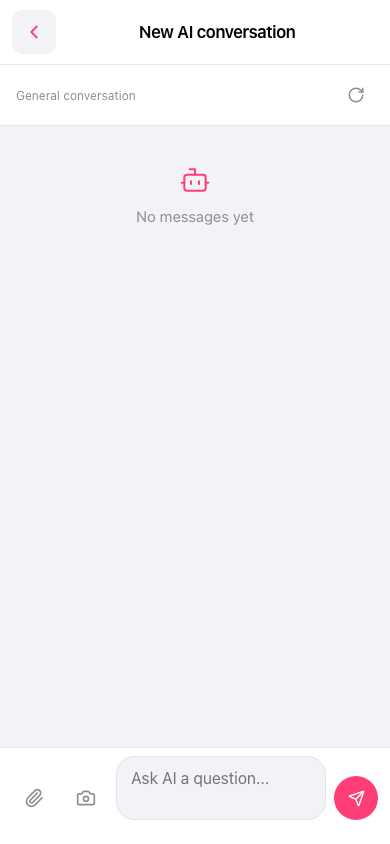 手機版|新 AI 對話(New AI conversation)