
1. Go to the "AI Assistant" page (URL: v5.patisco.com/ai-assist), and a welcome screen "Start a conversation with AI Assistant" will appear in the right main area. 2. Click the "+ Start New Conversation" button in the top left corner to create a brand new conversation. 3. Enter your question or request in the "Message Input Field" at the bottom right. 4. After entering, press the Enter key to send; if you need to create a new line, press Shift + Enter. 5. The AI Assistant will reply to your question in the conversation area on the right.
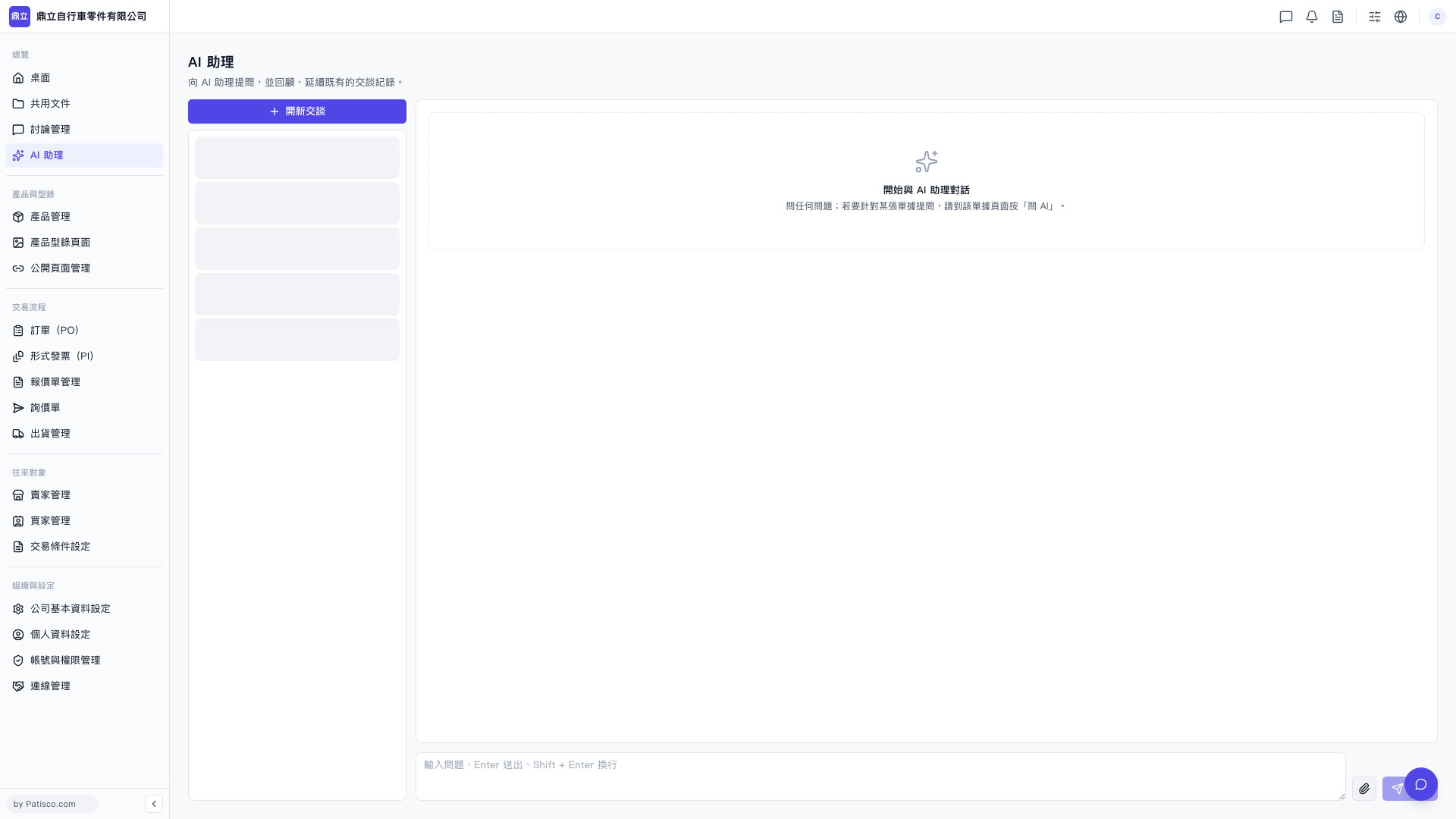 V5 新桌面版|AI 助理